Why Am I Not Receiving DMARC Reports?
Set up DMARC but no reports are arriving? Here are the most common reasons and how to fix them, from DNS propagation delays to RUA configuration issues.
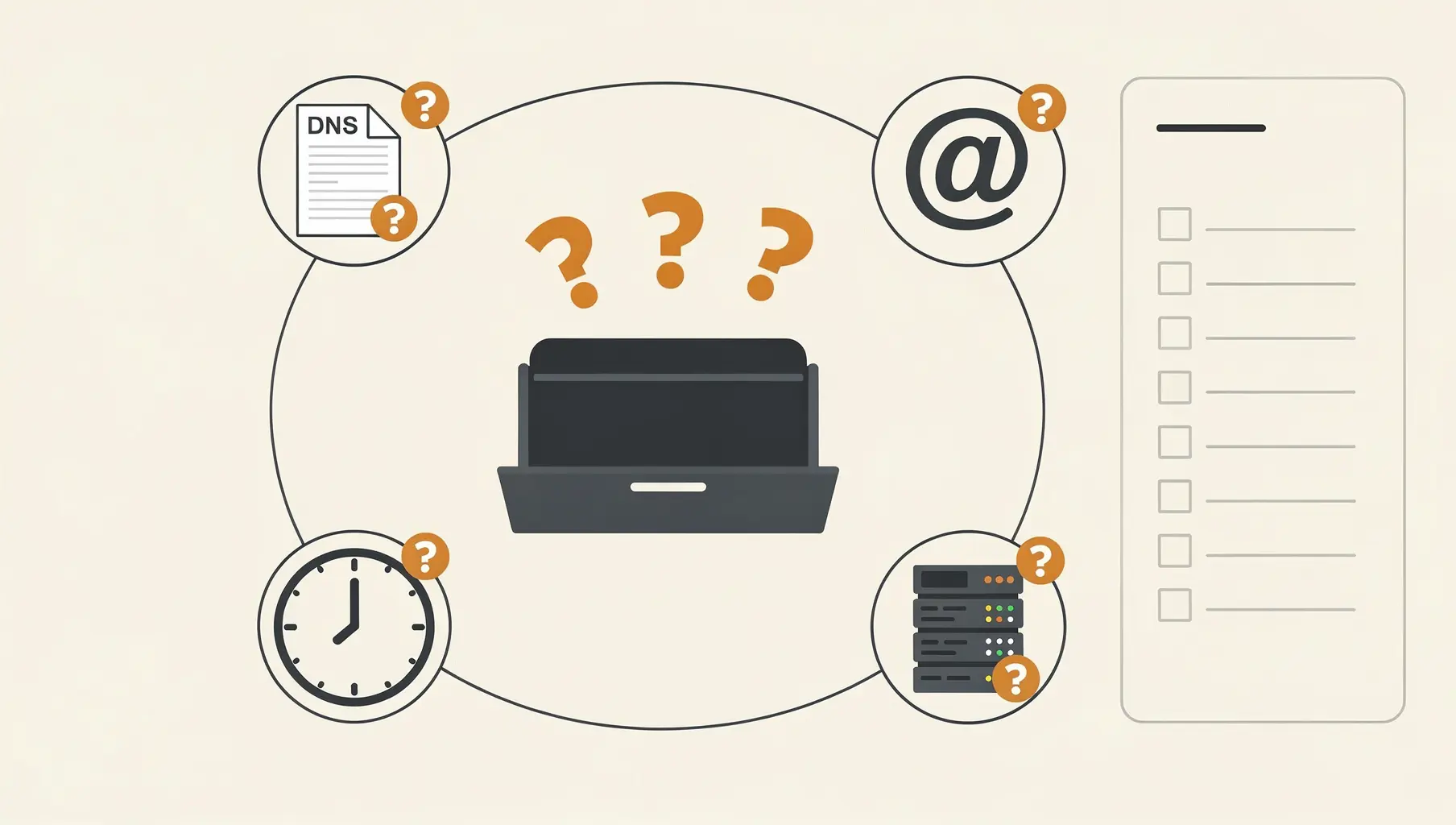
If you’ve set up DMARC but aren’t receiving reports, the most common causes are: typos in your RUA address, missing external authorization records, reports going to spam, or simply not enough time passing. Reports typically start arriving within 24-48 hours, but some providers only send weekly.
Let’s work through each possibility.
1. Your DMARC Record Has a Typo
The most common issue. Check your DMARC record carefully:
v=DMARC1; p=none; rua=mailto:[email protected];Common mistakes:
[email protected]— Missingmailto:rua=mailto:dmarc@yourcompany,com— Comma instead of periodrua=mailto: [email protected]— Space after the colonrua=mailito:[email protected]— Misspelled mailto
Verify your record with a DNS lookup:
dig txt _dmarc.yourcompany.comOr use an online DMARC checker. The record should parse without errors.
2. DNS Hasn’t Propagated Yet
DNS changes can take up to 48 hours to propagate globally, though most propagate within a few hours.
If you just added or modified your DMARC record:
- Wait at least 24 hours before troubleshooting
- Check propagation with tools like whatsmydns.net
- Verify the record is visible from multiple geographic locations
3. Reports Are Going to Spam
DMARC aggregate reports are sent as email attachments (XML files, often gzipped). Spam filters sometimes flag them. Learn more about RUA vs RUF report types.
Check:
- Spam/junk folder in the mailbox receiving reports
- Quarantine in your email security gateway
- Any email filtering rules that might catch automated messages
Reports typically come from addresses like:
Whitelist these senders if needed.
4. External Reporting Requires Authorization
If your RUA address is at a different domain than your DMARC record, you need an authorization record.
Example: DMARC for yourcompany.com but reports going to [email protected]
The receiving domain (dmarcservice.com) must publish a record authorizing this:
yourcompany.com._report._dmarc.dmarcservice.com TXT "v=DMARC1"This tells report generators: “Yes, dmarcservice.com accepts DMARC reports for yourcompany.com.”
Without this record, many providers silently drop reports rather than sending them to an unauthorized address.
If you’re using a DMARC monitoring service like Verkh, this authorization is set up automatically when you configure your domain.
5. No Email Has Been Sent
DMARC reports are generated when email claiming to be from your domain is received by other mail servers. No email means no reports.
This affects:
- New domains that haven’t sent email yet
- Parked domains with no mail flow
- Domains used only for websites, not email
To generate reports, email must be sent (or spoofed) using your domain. If your domain has legitimate email traffic, reports should appear. If it’s unused, you might only receive reports when someone attempts to spoof it.
6. You’re Waiting for the Wrong Provider
Different email providers send DMARC reports on different schedules:
| Provider | Report Frequency |
|---|---|
| Daily | |
| Microsoft | Daily |
| Yahoo | Daily |
| Comcast | Daily |
| Some ISPs | Weekly |
| Some enterprises | Weekly or never |
If you’ve only sent email to recipients at providers with weekly reporting, you’ll wait up to a week.
Also, not every email provider sends DMARC reports. Smaller providers may not participate at all.
7. Your Mailbox Is Over Quota
If the mailbox receiving reports is full, new reports bounce. This is easy to overlook if it’s a dedicated dmarc@ address that nobody actively monitors.
Check:
- Mailbox storage quota
- Any bounces being returned to report senders
8. Your DMARC Record Is Invalid
An invalid DMARC record might be ignored entirely. Common syntax issues:
Wrong placement:
# Wrong - record at wrong location
yourcompany.com TXT "v=DMARC1; p=none; rua=mailto:[email protected];"

# Correct - must be at _dmarc subdomain
_dmarc.yourcompany.com TXT "v=DMARC1; p=none; rua=mailto:[email protected];"
Invalid characters or format:
# Wrong - policy value in quotes
v=DMARC1; p="none"; rua=mailto:[email protected];

# Wrong - spaces around equals signs
v=DMARC1; p = none; rua = mailto:[email protected];

# Correct
v=DMARC1; p=none; rua=mailto:[email protected];
Verification Checklist
Work through this list:
- DNS check: Is the DMARC record visible at
_dmarc.yourdomain.com? - Syntax check: Does the record parse without errors in a DMARC validator?
- RUA format: Does it include
mailto:before the email address? - External auth: If RUA is external, is the authorization record in place?
- Spam check: Are reports being filtered or quarantined?
- Time check: Has it been at least 48 hours since setup?
- Traffic check: Is email actually being sent from/as your domain?
- Mailbox check: Is the receiving mailbox functional and not full?
What Reports Look Like When They Arrive
DMARC reports arrive as email with XML attachments. The subject line typically includes your domain and a date range:
Subject: Report Domain: yourcompany.com Submitter: google.comThe attachment is usually:
- A
.xmlfile (raw XML) - A
.xml.gzfile (gzipped XML) - A
.zipfile containing XML
If you’re getting these emails but can’t read them, you need a tool to parse the XML. Verkh processes these automatically and shows you the results in a readable dashboard.
How Long to Wait Before Escalating
- 24 hours: Check spam folder and DNS propagation
- 48 hours: Verify syntax and external authorization
- 72 hours: Check mailbox functionality, review email traffic
- 7 days: If still nothing, there may be no email traffic to report on
If you’ve sent email to major providers (Gmail, Microsoft 365, Yahoo) and still have no reports after a week, something is misconfigured.
The Quick Fix
If you’re not sure what’s wrong, start fresh:
- Delete your existing DMARC record
- Wait 1 hour for DNS to clear
- Add a minimal, correct record:
_dmarc.yourdomain.com TXT "v=DMARC1; p=none; rua=mailto:[email protected];" - Send test emails to Gmail and Outlook addresses
- Wait 24-48 hours
If reports still don’t arrive with this simple setup, the issue is likely mailbox-side (spam filtering, quota) or authorization-side (external domain).
For more on what to do once reports start arriving, see our Complete Guide to Understanding DMARC Reports. You can also compare DMARC tools to find the right monitoring solution for your needs.
Verkh provides a dedicated reporting address with automatic processing. No spam filter issues, no XML parsing—just readable data. Start receiving reports at verkh.io.
Related Articles

January 2026
DMARC Record Not Found: Causes and How to Fix It
Fix 'no DMARC record found' errors. Covers DNS issues, syntax errors, propagation delays, and external domain permissions.
December 2025
Why Cloudflare Says Your DMARC Record is Missing (When It Isn't)
Your DMARC record exists but Cloudflare's Security Center says it's missing. Here's what's happening and how to verify your setup.
November 2025
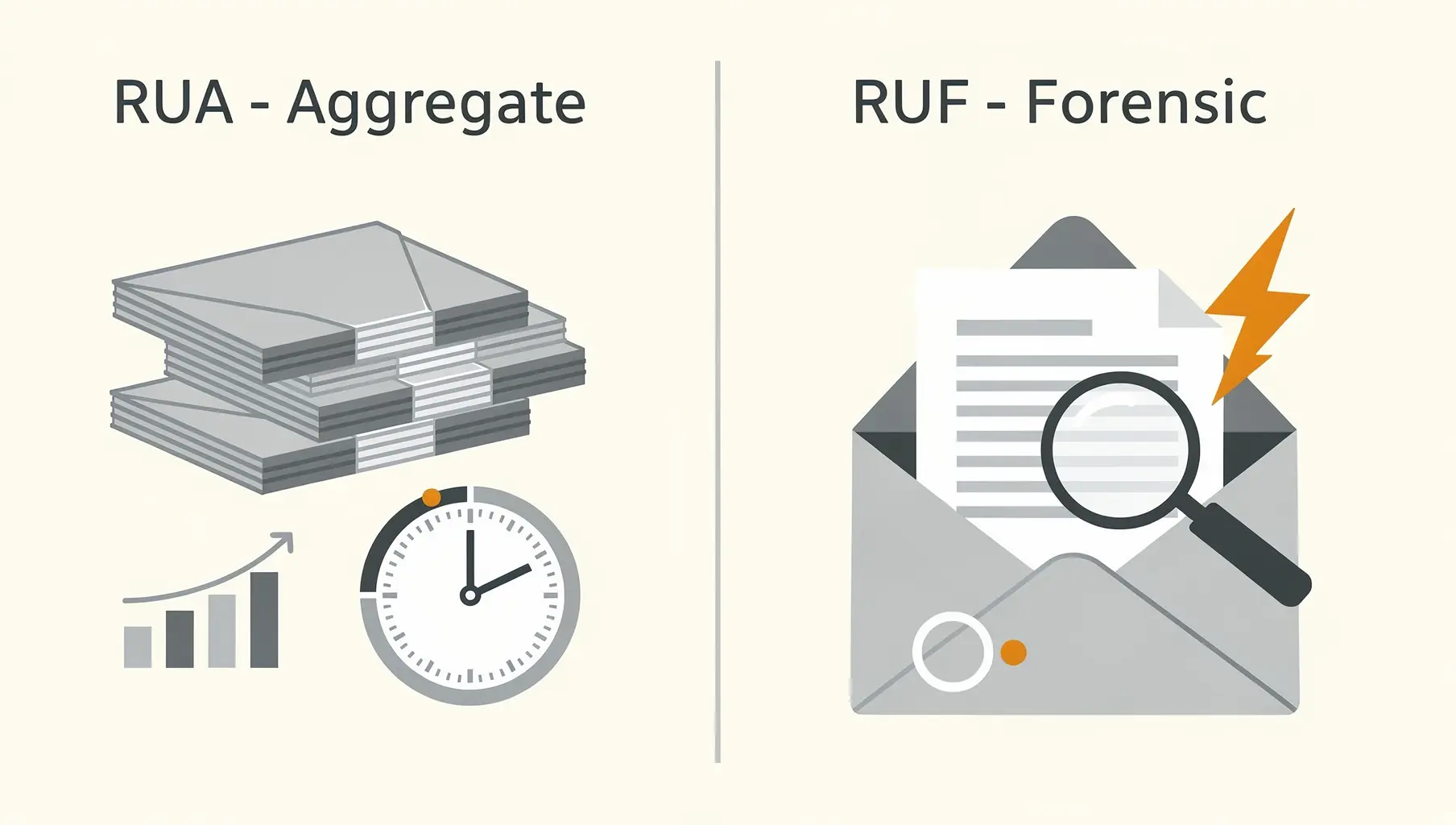
RUA vs RUF: Understanding DMARC Report Types
DMARC has two report types: RUA (aggregate) and RUF (forensic). Learn what each contains, which you need, and why most organizations only use RUA.
Ready to implement this?
Verkh helps you monitor DMARC, identify issues, and reach enforcement. Start free.
Start Free