RUA vs RUF: Understanding DMARC Report Types
DMARC has two report types: RUA (aggregate) and RUF (forensic). Learn what each contains, which you need, and why most organizations only use RUA.
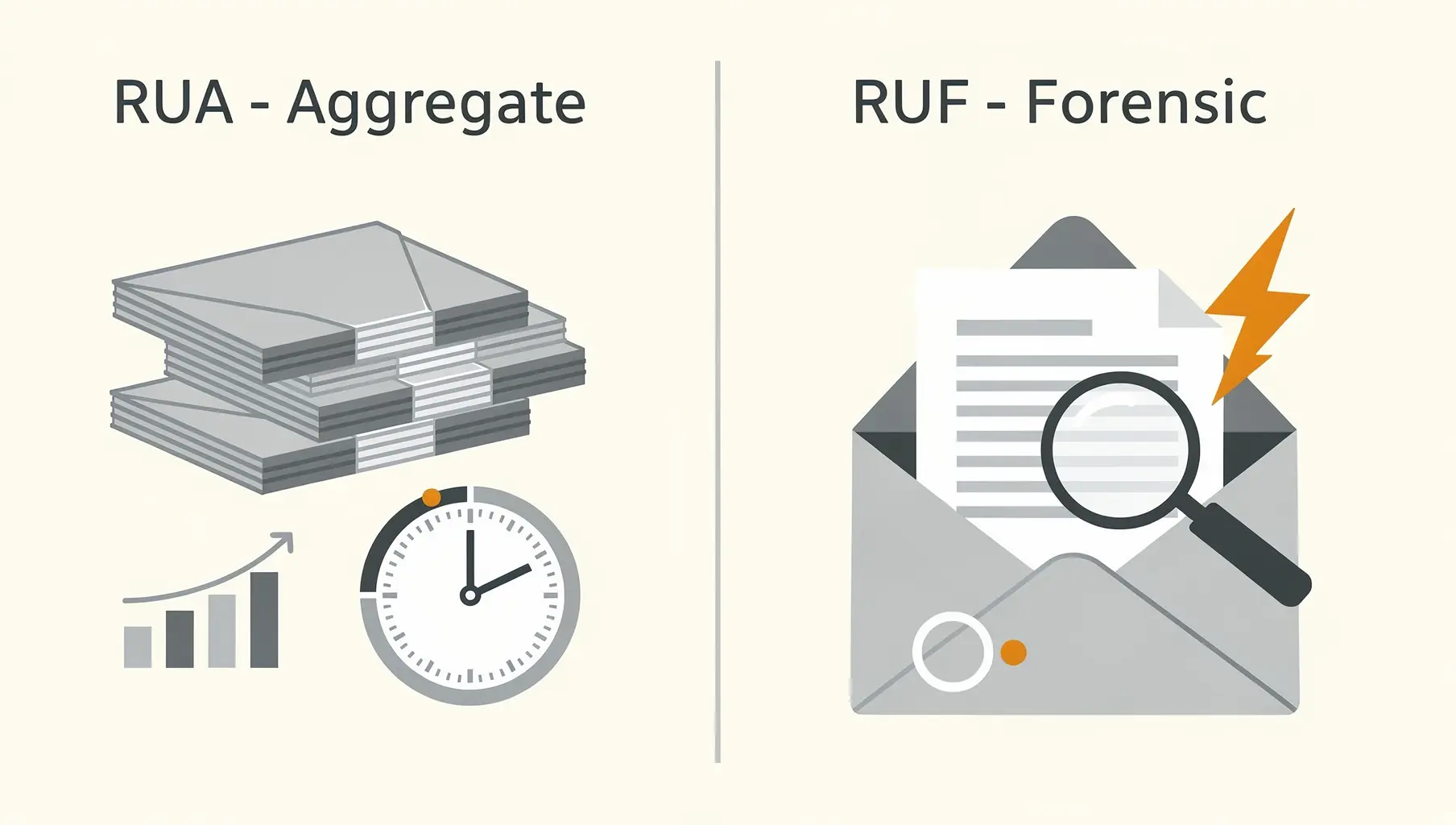
RUA (aggregate) reports tell you how many emails passed or failed authentication. RUF (forensic) reports send you copies of individual failing emails. For most organizations, RUA is all you need—RUF has privacy implications and limited provider support.
When setting up DMARC, you’ll specify where to send reports. Understanding the difference helps you configure correctly and set expectations.
RUA: Aggregate Reports
v=DMARC1; p=none; rua=mailto:[email protected];What RUA Reports Contain
Aggregate reports are XML files with statistics:
- Source IPs: Which servers sent email as your domain
- Volume: How many messages from each source
- Authentication results: SPF pass/fail, DKIM pass/fail, DMARC pass/fail
- Disposition: What the receiver did (none, quarantine, reject)
- Date range: Usually 24 hours of data
What RUA Reports Look Like
<record>
  <row>
    <source_ip>209.85.220.41</source_ip>
    <count>1523</count>
    <policy_evaluated>
      <disposition>none</disposition>
      <dkim>pass</dkim>
      <spf>pass</spf>
    </policy_evaluated>
  </row>
</record>
This tells you: 1,523 emails came from IP 209.85.220.41, and they passed authentication.
Who Sends RUA Reports
Major providers send aggregate reports reliably:
- Google (Gmail, Workspace)
- Microsoft (Outlook, Office 365)
- Yahoo
- Comcast
- Many others
You’ll typically receive reports from any provider that processes significant volume of your email.
When RUA Reports Arrive
Most providers send daily reports, usually covering the previous 24-hour period. Some send more frequently, some send weekly. Expect the bulk of your reports within 24-48 hours of email being sent.
RUF: Forensic Reports
v=DMARC1; p=none; rua=mailto:[email protected]; ruf=mailto:[email protected];What RUF Reports Contain
Forensic reports include:
- The actual email message (or redacted version)
- Full headers
- Authentication check details
- Why the message failed
Essentially, you get a copy of the failing email.
The Problem with RUF
Privacy concerns: Forensic reports contain actual email content. Sending copies of emails to third parties raises significant privacy issues, especially in jurisdictions with strict data protection laws (GDPR, etc.).
Limited support: Because of privacy concerns, most major providers don’t send RUF reports:
- Google: Does not send RUF
- Microsoft: Does not send RUF
- Yahoo: Limited/redacted RUF
- Most others: No RUF support
Overwhelming volume: If you have significant spoofing, you could receive thousands of forensic reports. Your mailbox fills up with spam copies.
When RUF Might Be Useful
- Investigating a specific phishing campaign
- Debugging a tricky authentication failure
- Forensic analysis of targeted attacks
- When aggregate data isn’t enough detail
Even then, you’ll only get reports from the minority of receivers who support RUF.
Which Should You Use?
For Most Organizations: RUA Only
v=DMARC1; p=none; rua=mailto:[email protected];Aggregate reports tell you:
- Who’s sending as your domain
- What’s passing and failing
- Trends over time
- Where to focus remediation
This is sufficient for:
- Monitoring authentication health
- Identifying unauthorized senders
- Planning policy progression
- Troubleshooting most issues
When to Add RUF
Only add RUF if:
- You have a specific forensic need
- You understand most providers won’t send them
- You have a way to handle the volume
- You’ve considered privacy implications
v=DMARC1; p=none; rua=mailto:[email protected]; ruf=mailto:[email protected];Consider using a separate address for RUF to keep forensic reports isolated.
Configuring Report Addresses
Same Domain
The simplest setup:
v=DMARC1; p=none; rua=mailto:[email protected];No additional configuration needed.
Different Domain (External Reporting)
If reports go to a different domain (like a monitoring service):
v=DMARC1; p=none; rua=mailto:[email protected];The receiving domain must authorize this with a DNS record:
yourcompany.com._report._dmarc.dmarcservice.com TXT "v=DMARC1"Without this authorization, many senders won’t deliver reports.
Multiple Addresses
You can send reports to multiple addresses:
v=DMARC1; p=none; rua=mailto:[email protected],mailto:[email protected];Separate with commas, no spaces.
Reading RUA Reports
Raw XML isn’t pleasant to read. Options:
Manual parsing: Open the XML, search for failures, look up IPs. Works but tedious. See our guide on how to read DMARC XML reports.
Scripts: Parse XML into readable format. Many open-source tools exist.
DMARC monitoring services: Verkh and similar services ingest reports and show you dashboards. This is what most organizations do.
Common Questions
”Why am I not getting RUF reports?”
Because most providers don’t send them. This is normal. Don’t rely on RUF for monitoring. See also why you might not be receiving any DMARC reports.
”How many RUA reports should I expect?”
Depends on your email volume and how many providers receive your email. A domain sending thousands of emails daily might get 10-30 reports per day from various providers.
”Can I use the same address for RUA and RUF?”
Technically yes, but not recommended. Forensic reports are individual emails (potentially many); aggregate reports are daily summaries. Mixing them makes processing harder.
”What if I don’t want reports?”
You can omit the rua tag, but this defeats the purpose of DMARC monitoring. You’d be flying blind—unable to see who’s sending as your domain or catch authentication issues.
Report Processing Tips
- Don’t use a personal inbox — Use a dedicated address or service
- Automate processing — Manual review doesn’t scale
- Keep historical data — Trends matter more than single reports
- Focus on failures — Passing email is less interesting than failing email
- Look up unknown IPs — Identify who’s sending as your domain
The Bottom Line
- RUA (aggregate): Statistics about your email authentication. Use this.
- RUF (forensic): Copies of failing emails. Usually skip this.
- Most providers only send RUA
- A monitoring service makes RUA data actionable
Start with RUA only. Add RUF later only if you have a specific need and understand the limitations.
For more on interpreting your reports, see Understanding DMARC Reports. Ready to progress toward enforcement? Check out our enforcement guide.
Verkh processes your RUA reports automatically and shows authentication results in an actionable dashboard. Start monitoring at verkh.io.
Related Articles
October 2025
How to Read DMARC XML Reports (Without Losing Your Mind)
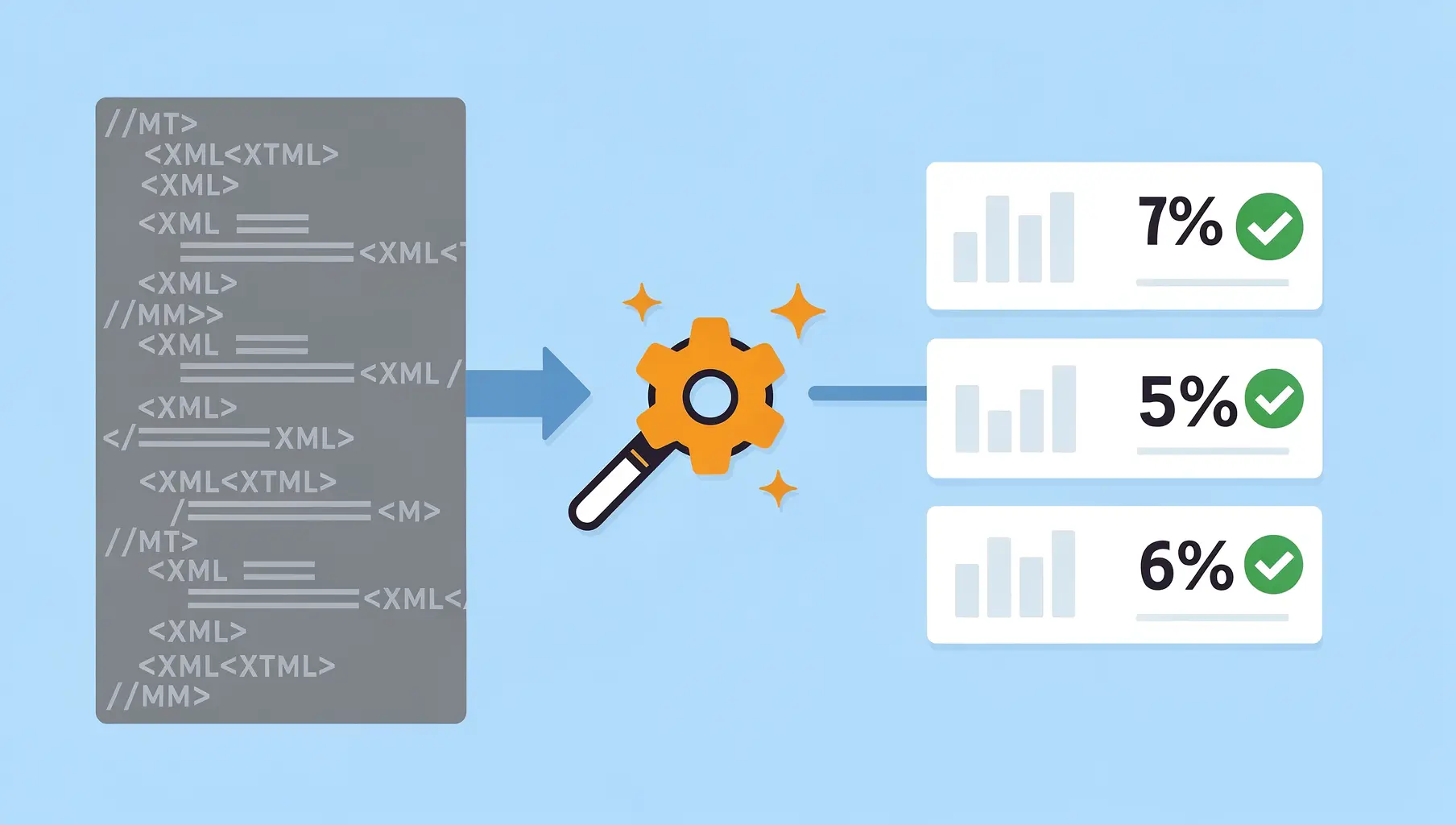
DMARC aggregate reports are XML files that look intimidating but follow a predictable structure. Learn to read them manually.
December 2025
Why Am I Not Receiving DMARC Reports?
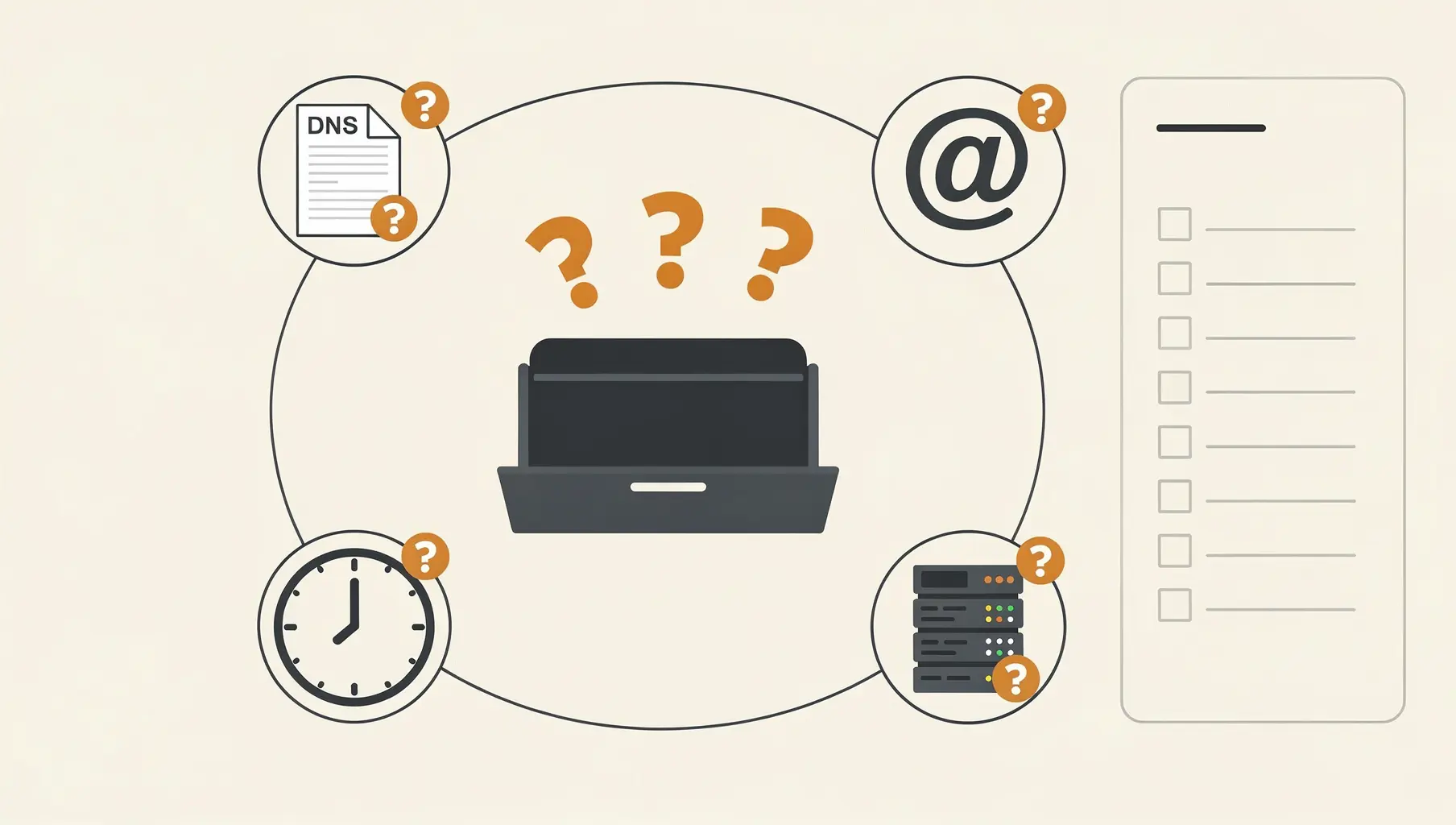
Set up DMARC but no reports are arriving? Here are the most common reasons and how to fix them, from DNS propagation delays to RUA configuration issues.
December 2025
DMARC Alignment Explained Simply
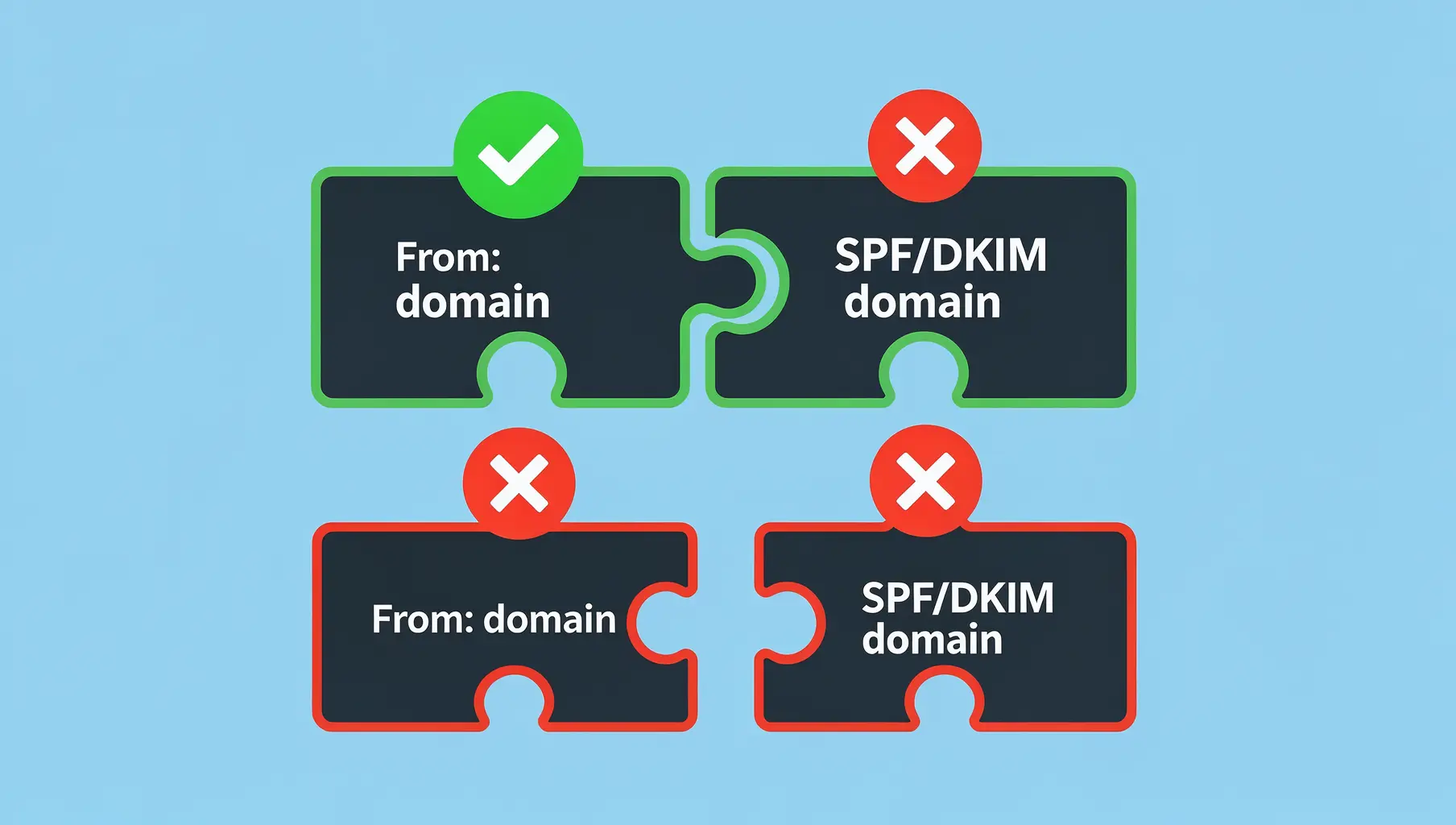
DMARC alignment determines whether SPF and DKIM results count. Learn relaxed vs strict alignment and when each matters.
Ready to implement this?
Verkh helps you monitor DMARC, identify issues, and reach enforcement. Start free.
Start Free