DMARC Quarantine vs Reject: When to Use Each
Both quarantine and reject enforce DMARC, but with different severity. Learn when to use each and what recipients experience.
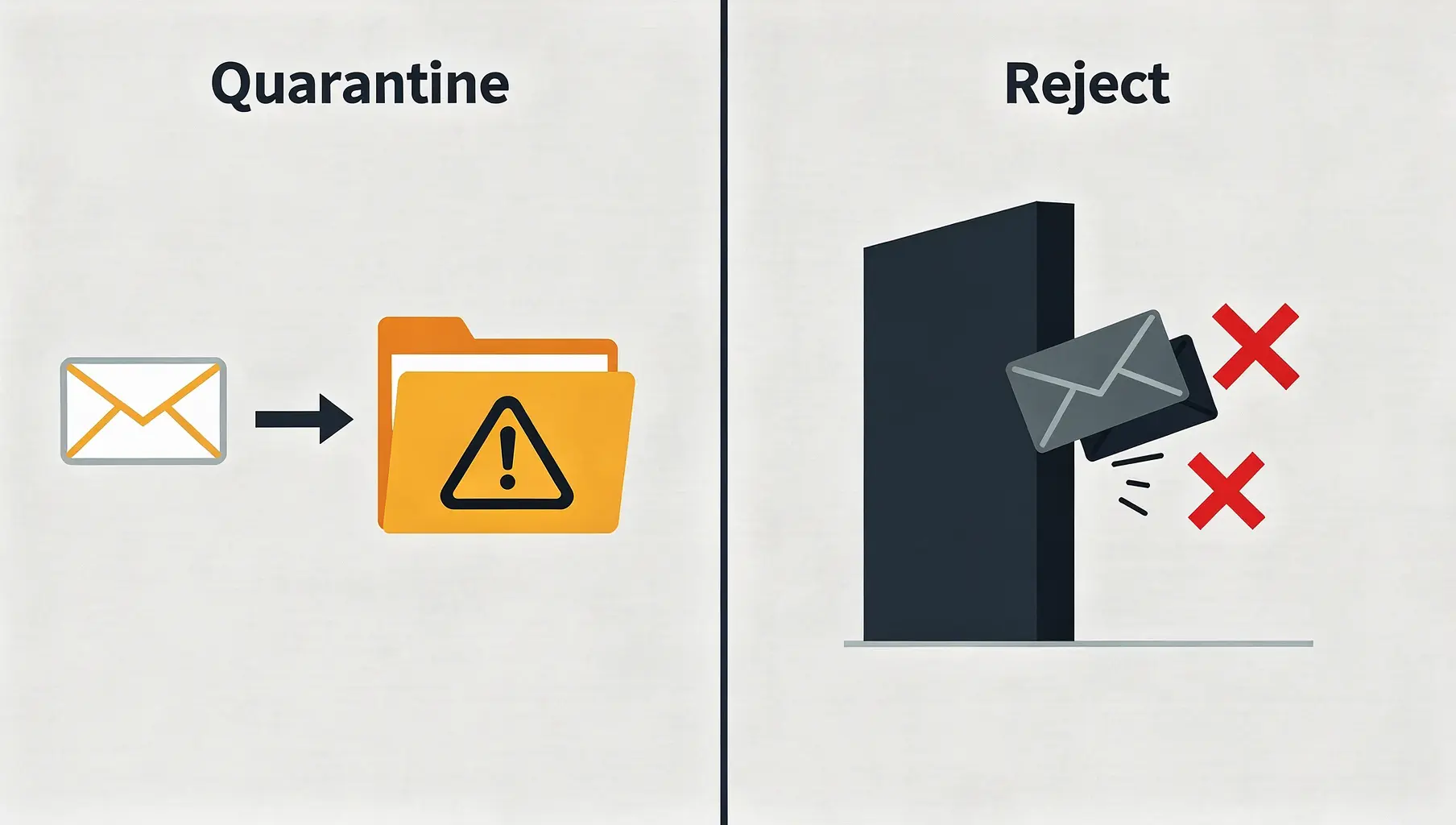
Quarantine sends failing email to spam; reject blocks it entirely. Both enforce your DMARC policy, but with different consequences for mistakes. Use quarantine as a stepping stone to build confidence, then move to reject for maximum protection.
The choice isn’t just about security—it’s about how much risk you’re willing to accept while perfecting your email authentication.
What Each Policy Does
p=quarantine
v=DMARC1; p=quarantine; rua=mailto:[email protected];Receiver behavior:
- Email delivered to spam/junk folder
- Recipient can find it if they look
- Some receivers may add warning banners
- Email isn’t lost, just deprioritized
What the recipient sees:
- Nothing in inbox
- Email appears in spam folder
- Usually no notification
p=reject
v=DMARC1; p=reject; rua=mailto:[email protected];Receiver behavior:
- Email refused at delivery time
- Sender gets a bounce message
- Email never reaches recipient’s mailbox
- Not in spam, not anywhere
What the recipient sees:
- Nothing—email never arrives
What the sender sees:
- Delivery failure notification
- Bounce message explaining rejection
Comparing Impact
| Aspect | Quarantine | Reject |
|---|---|---|
| Failing email location | Spam folder | Not delivered |
| Can recipient find it? | Yes, in spam | No |
| Sender notification | Usually none | Bounce message |
| False positive impact | Annoying | Potentially serious |
| Protection level | Partial | Full |
| Recovery from mistakes | Possible | Difficult |
When to Use Quarantine
During transition
Moving from p=none to enforcement? Quarantine first:
# Start here
v=DMARC1; p=none; rua=mailto:[email protected];

# After monitoring
v=DMARC1; p=quarantine; rua=mailto:[email protected];

# When confident
v=DMARC1; p=reject; rua=mailto:[email protected];
Quarantine lets you catch legitimate email failures before they’re permanently blocked.
When you’re not 100% sure
If you suspect you might have senders you haven’t fully configured, quarantine provides a safety net. Those emails reach spam, where recipients can find them while you fix the configuration.
With the pct= tag
Testing enforcement on a subset of messages:
v=DMARC1; p=quarantine; pct=25; rua=mailto:[email protected];25% of failing messages get quarantined. Watch reports, increase gradually.
For low-stakes email
If failed email going to spam is acceptable risk—say, marketing newsletters—quarantine might be your endpoint.
When to Use Reject
Once quarantine is stable
After running quarantine successfully:
- No legitimate email in DMARC failure reports
- Pass rates consistently high
- All senders properly configured
Move to reject with confidence.
For high-stakes protection
If your domain is actively spoofed or you’re protecting:
- Financial communications
- Healthcare information
- Legal correspondence
- Security-sensitive messages
Reject provides complete protection. Spoofed emails never reach targets.
For unused or parked domains
Domains that don’t send email should reject everything:
v=DMARC1; p=reject; sp=reject; rua=mailto:[email protected];There’s no legitimate email to protect, so reject immediately.
The Transition Path
Step 1: Monitor
v=DMARC1; p=none; rua=mailto:[email protected];Run for 2-4 weeks. Identify all senders. Fix authentication issues.
Step 2: Partial Quarantine
v=DMARC1; p=quarantine; pct=10; rua=mailto:[email protected];10% of failures go to spam. Watch for problems.
Step 3: Full Quarantine
v=DMARC1; p=quarantine; pct=100; rua=mailto:[email protected];All failures quarantined. Monitor for 2-4 weeks.
Step 4: Partial Reject
v=DMARC1; p=reject; pct=10; rua=mailto:[email protected];10% of failures rejected. Very careful monitoring.
Step 5: Full Reject
v=DMARC1; p=reject; rua=mailto:[email protected];Full enforcement. Congratulations.
What About Subdomains?
Use the sp= tag to set subdomain policy:
# Main domain quarantine, subdomains reject
v=DMARC1; p=quarantine; sp=reject; rua=mailto:[email protected];

# Both at same level
v=DMARC1; p=reject; sp=reject; rua=mailto:[email protected];
For subdomains that don’t send email, reject immediately even if the main domain is still at quarantine.
Handling Mistakes
With Quarantine
If legitimate email gets quarantined:
- Recipients can check spam
- They can mark as “not spam”
- You see failures in DMARC reports
- Fix the configuration
- Future email delivers normally
With Reject
If legitimate email gets rejected:
- Sender gets bounce notification
- Recipient never sees the email
- Communication fails
- Sender must contact you another way
- You might not know until someone complains
This is why quarantine comes first—mistakes are recoverable.
The pct= Safety Net
The pct= tag lets you ease into enforcement:
# 25% enforced, 75% like p=none
v=DMARC1; p=quarantine; pct=25; rua=mailto:[email protected];
Use this to limit blast radius during transitions. Even at p=reject, you can start with pct=10 to catch problems before they affect all email.
Common Patterns
Conservative approach
p=none (4 weeks) → p=quarantine pct=25 (2 weeks) →
p=quarantine pct=100 (4 weeks) → p=reject pct=25 (2 weeks) →
p=reject
Aggressive approach
p=none (2 weeks) → p=quarantine (2 weeks) → p=rejectFor unused domains
p=reject (immediately)Industry Expectations
What maturity looks like:
| Stage | Policy | Typical Timeline |
|---|---|---|
| Starting out | p=none | Month 1-2 |
| Progressing | p=quarantine | Month 2-4 |
| Mature | p=reject | Month 4+ |
| Best practice | p=reject with monitoring | Ongoing |
Google and Yahoo require at least p=none, but best practice for sender reputation is full p=reject.
Signs You’re Ready for Reject
- Running quarantine for 2+ weeks without legitimate failures
- Pass rate above 99%
- All known senders configured and passing
- DMARC reports show only malicious or unknown failures
- You’ve tested email from all your systems
Signs You’re Not Ready
- Still seeing known senders fail in reports
- Recently added a new email tool or service
- Haven’t audited all sending sources
- Pass rate below 95%
- Getting complaints about email in spam
The Bottom Line
| Situation | Recommendation |
|---|---|
| First moving to enforcement | Quarantine |
| Testing new configuration | Quarantine with low pct |
| All senders verified, stable | Reject |
| Domains that don’t send email | Reject immediately |
| Uncertain about senders | Stay at quarantine |
Quarantine is the safe stepping stone. Reject is the destination. Take the journey at a pace that matches your confidence.
For the complete policy overview, see p=none vs p=quarantine vs p=reject.
Verkh tracks your DMARC pass rates and tells you when you’re ready to move from quarantine to reject. Progress confidently at verkh.io.
Related Articles
December 2025
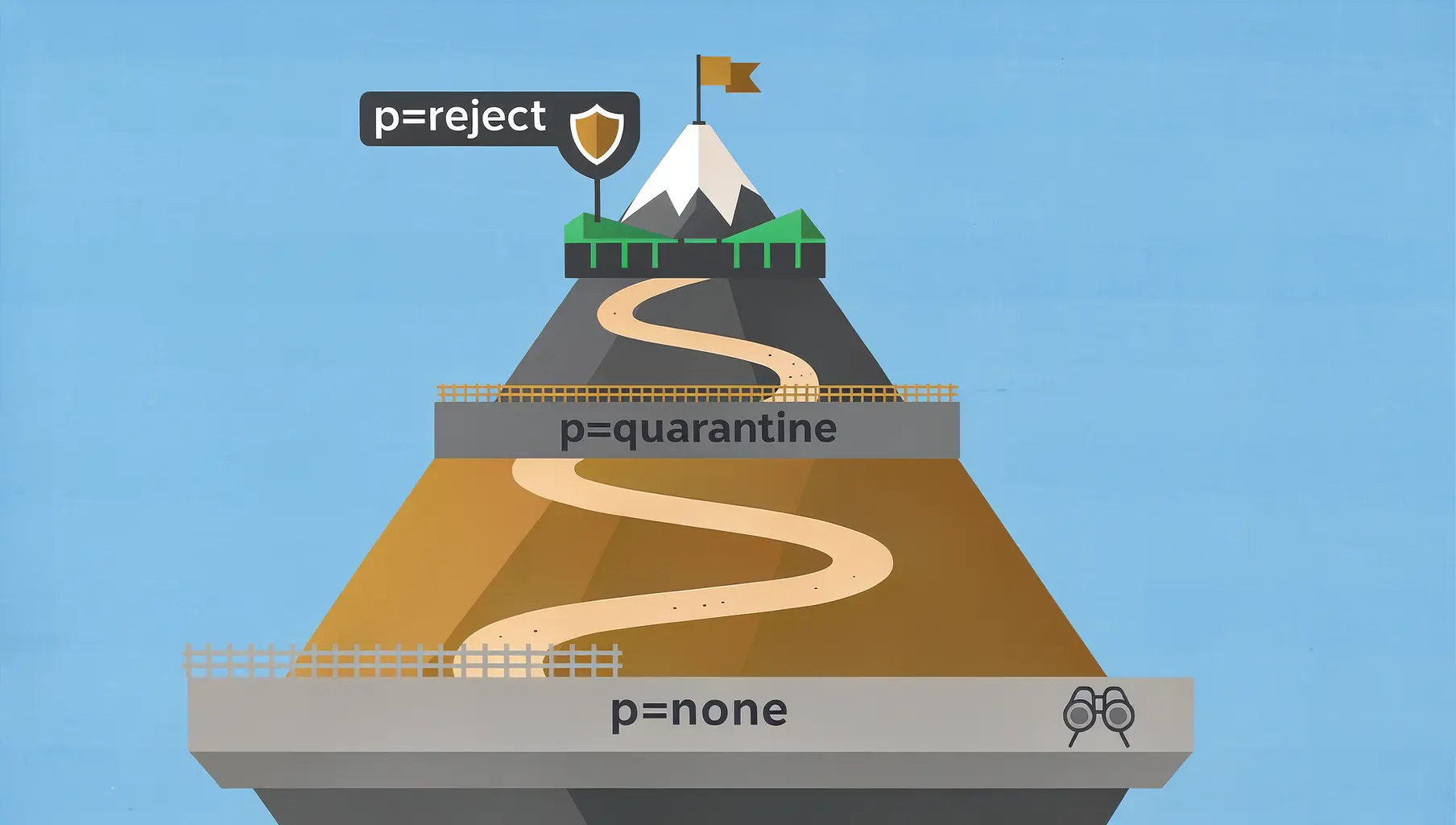
p=none vs p=quarantine vs p=reject: Which DMARC Policy to Use
The three DMARC policies control what happens to failing email. Learn when to use each and how to safely progress to enforcement.
November 2025
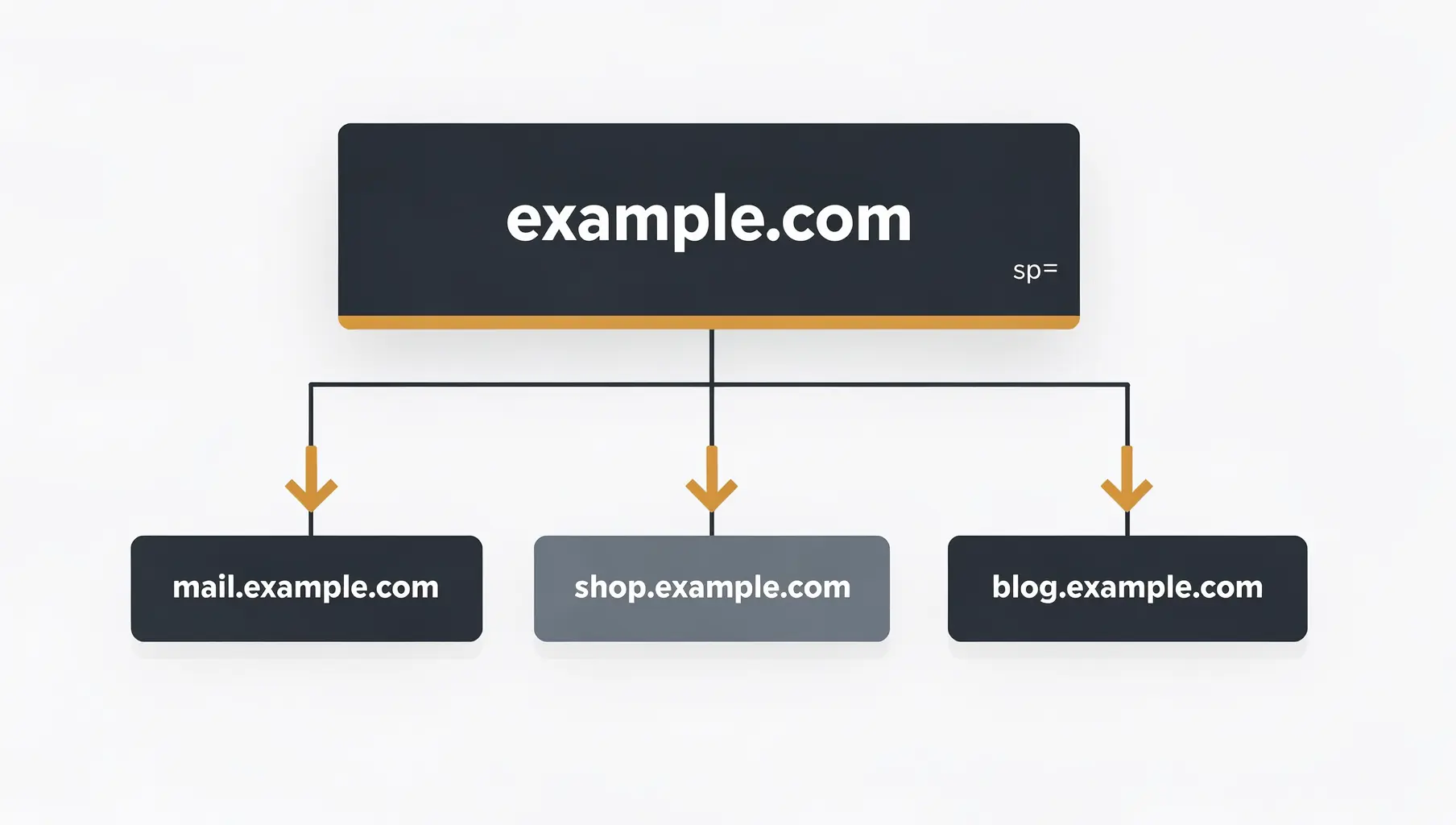
DMARC for Subdomains: Do You Need Separate Records?
Learn how DMARC handles subdomains, when you need separate records, and how to use the sp= tag to control policy.
January 2026
Why You Need DMARC Enforcement Before BIMI Will Work
BIMI requires DMARC at p=quarantine or p=reject. Learn why and how to reach enforcement to display your logo in email.
Ready to implement this?
Verkh helps you monitor DMARC, identify issues, and reach enforcement. Start free.
Start Free