p=none vs p=quarantine vs p=reject: Which DMARC Policy to Use
The three DMARC policies control what happens to failing email. Learn when to use each and how to safely progress to enforcement.
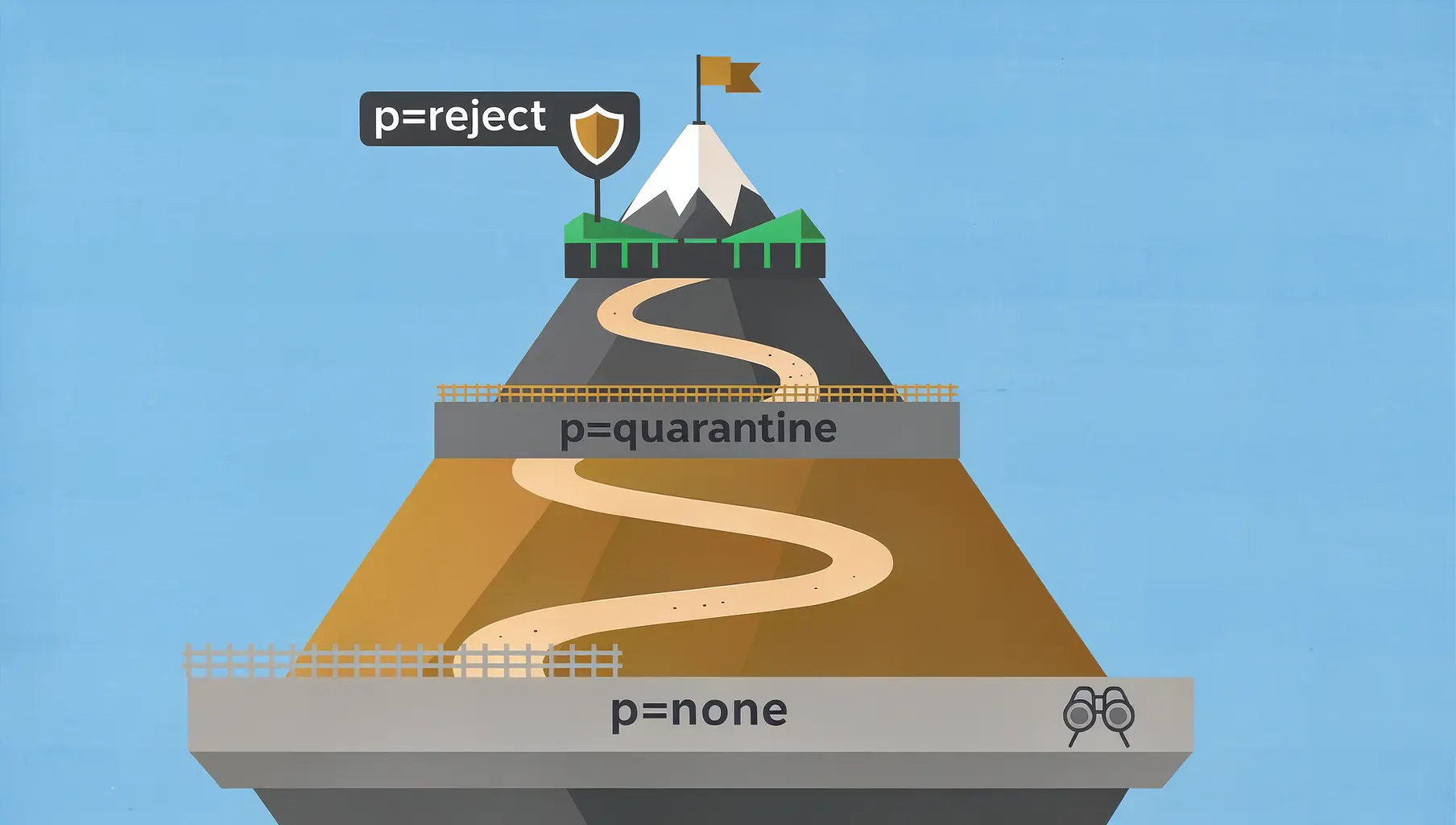
DMARC has three policies: none (monitor), quarantine (spam), and reject (block). Start with none to see what’s happening, move to quarantine once legitimate senders are fixed, and reach reject for full protection.
The policy you choose determines what receiving mail servers do when an email fails DMARC authentication. Get it wrong and you block your own legitimate email. Get it right and you stop spoofing attacks.
The Three DMARC Policies
p=none (Monitoring Only)
v=DMARC1; p=none; rua=mailto:[email protected];What happens: Receiving servers check DMARC and send you reports, but they don’t treat failing email differently. Everything still gets delivered.
Use this when: You’re starting out, auditing your senders, or fixing authentication issues.
The trap: Staying here forever. You’re collecting data but not actually protecting your domain. Many organizations set up DMARC at p=none and never move forward.
p=quarantine (Send to Spam)
v=DMARC1; p=quarantine; rua=mailto:[email protected];What happens: Receiving servers treat failing emails with suspicion. Most route them to spam or junk folders. Some add warning banners.
Use this when: Your legitimate senders are mostly fixed. You want enforcement but with a safety net—quarantined email can still be found if something goes wrong.
The reality: Quarantine is often treated as “soft reject.” Some receiving servers interpret it strictly (spam folder), others more loosely (warning banner), and some treat it almost like reject.
p=reject (Block Completely)
v=DMARC1; p=reject; rua=mailto:[email protected];What happens: Receiving servers reject failing emails outright. They’re not delivered anywhere—no inbox, no spam folder, no delivery notification to the recipient.
Use this when: All legitimate senders pass DMARC authentication. You’re ready for full protection.
The destination: This is where you want to be. At p=reject, attackers can’t successfully spoof your domain because receiving servers block their attempts.
The Policy Progression Path
Moving directly from p=none to p=reject is risky. The recommended path:
Stage 1: Monitor (p=none)
Set up DMARC with p=none and start collecting reports. Your goals:
- Identify all services sending email as your domain
- Find authentication failures you didn’t know about
- Fix SPF and DKIM issues before they cause problems
Duration: 2-4 weeks minimum. Longer if you discover many senders.
Stage 2: Gradual Quarantine
Before jumping to full quarantine, use the pct tag to apply the policy to only a percentage of email:
v=DMARC1; p=quarantine; pct=10; rua=mailto:[email protected];This applies quarantine to 10% of failing emails. The other 90% are treated as p=none.
Increase gradually: 10% → 25% → 50% → 100%.
Duration: 1-2 weeks at each percentage, monitoring reports for problems.
Stage 3: Full Quarantine
v=DMARC1; p=quarantine; pct=100; rua=mailto:[email protected];All failing emails go to spam. Monitor reports closely for legitimate email that’s failing.
Duration: 2-4 weeks. Make sure nothing important is getting quarantined.
Stage 4: Gradual Reject
Same approach as quarantine—start with a percentage:
v=DMARC1; p=reject; pct=10; rua=mailto:[email protected];Increase gradually until you reach:
Stage 5: Full Enforcement
v=DMARC1; p=reject; pct=100; rua=mailto:[email protected];You’ve reached the destination. Your domain is protected from spoofing.
How Long Does This Take?
Realistically:
| Organization Type | Time to p=reject |
|---|---|
| Simple (1-2 senders) | 4-6 weeks |
| Typical (5-10 senders) | 2-3 months |
| Complex (many senders, legacy systems) | 6+ months |
The time varies based on:
- How many services send as your domain
- How quickly you can configure DKIM for third parties
- Whether you have legacy systems with hard-to-fix authentication
Don’t rush it. Blocking your own legitimate email is worse than staying at monitoring a bit longer.
Common Mistakes
Jumping Straight to Reject
“We’ll just set it to reject and fix problems as they come up.”
Problems with this approach:
- You don’t know what you’re blocking until someone complains
- Critical transactional emails might fail silently
- Complaints come from recipients, not senders—you might not hear about it
Staying at None Forever
The opposite problem. You set up DMARC years ago, you’re collecting reports, but you’ve never actually done anything with them.
At p=none, your domain has no protection. Anyone can spoof it. You’re just watching it happen.
Ignoring the pct Tag
Going from p=quarantine; pct=100; to p=reject; pct=100; is a big jump. Use percentages to catch problems before they affect all your email.
Forgetting Subdomains
Your subdomain policy (sp=) might differ from your main policy. An attacker could spoof fake.yourcompany.com even if yourcompany.com is at p=reject.
Set your subdomain policy explicitly:
v=DMARC1; p=reject; sp=reject; rua=mailto:[email protected];When to Move to the Next Stage
You’re ready to move forward when:
From none to quarantine:
- You’ve identified all legitimate sending sources
- SPF and DKIM are configured for major senders
- Your pass rate is above 90%
- No critical business email is failing
From quarantine to reject:
- Pass rate is above 95% (ideally 98%+)
- You’ve been at quarantine for at least 2 weeks with no issues
- You’ve verified all customer-facing email passes
- You have a process to handle authentication issues quickly
Verkh tracks your pass rate over time and tells you when you’re ready for the next policy stage.
What Receivers Actually Do
The policy is a request, not a command. Receiving servers interpret policies differently:
| Receiver | p=quarantine | p=reject |
|---|---|---|
| Gmail | Spam folder | Block |
| Microsoft 365 | Junk folder | Block |
| Yahoo | Spam folder | Block |
| Others | Varies | Usually block |
Most major providers honor p=reject strictly. Quarantine behavior is less consistent.
The Bottom Line
- Start at p=none to understand your email ecosystem
- Move to p=quarantine once legitimate senders are fixed
- Reach p=reject for actual protection
- Use the pct tag to transition gradually
- Don’t skip stages unless you’re certain
The destination is p=reject. Everything else is a step on the way there.
For step-by-step guidance on fixing the authentication issues blocking your path to enforcement, see our SPF Troubleshooting Guide and Understanding DMARC Reports.
Verkh tracks your enforcement progress and recommends when you’re ready to move to the next policy stage. Start your path to p=reject at verkh.io.
Related Articles
October 2025
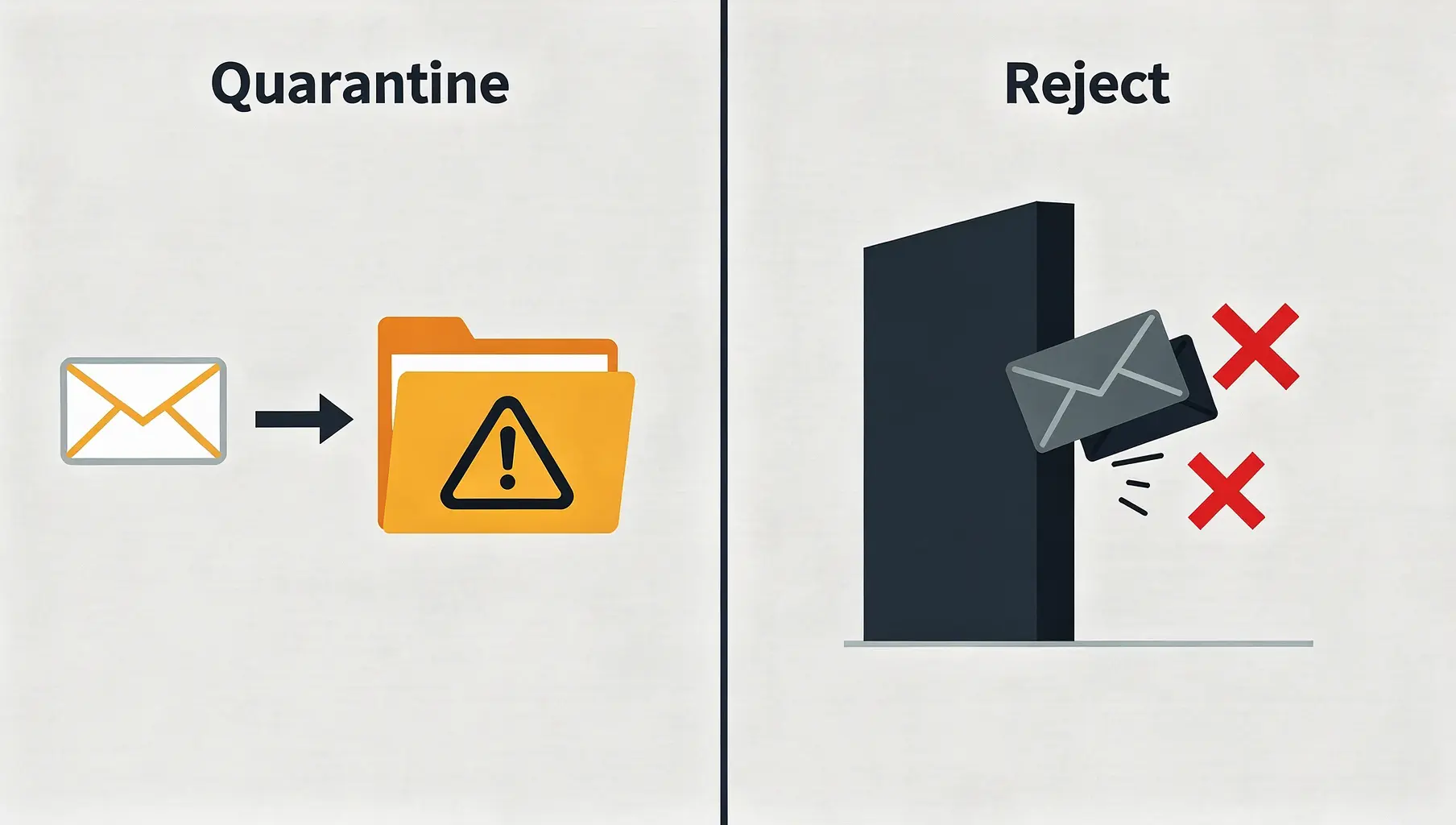
DMARC Quarantine vs Reject: When to Use Each
Both quarantine and reject enforce DMARC, but with different severity. Learn when to use each and what recipients experience.
December 2025
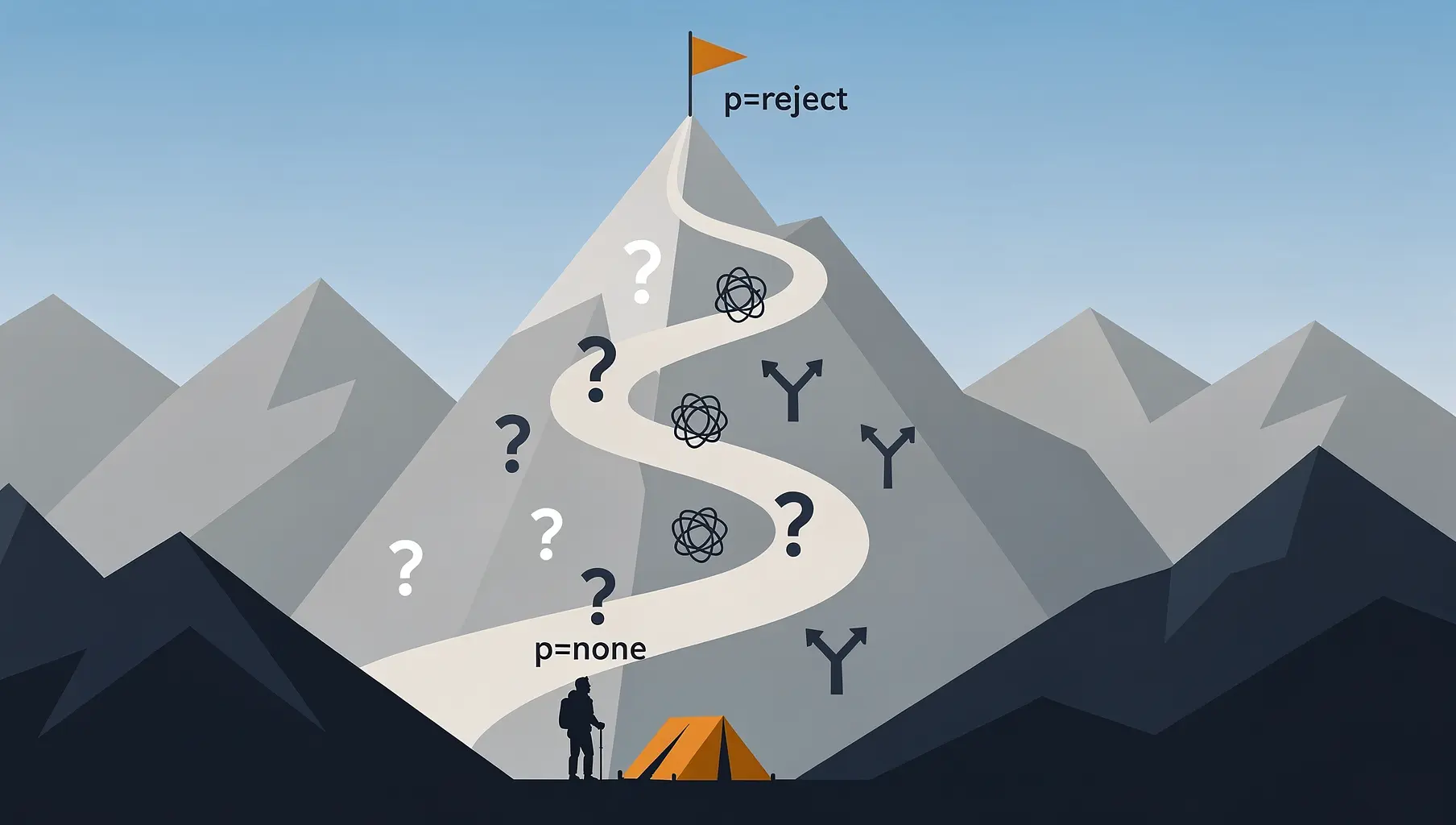
Why 95% of Domains Never Reach DMARC Enforcement
Why domains get stuck at p=none and how to reach enforcement.
November 2025
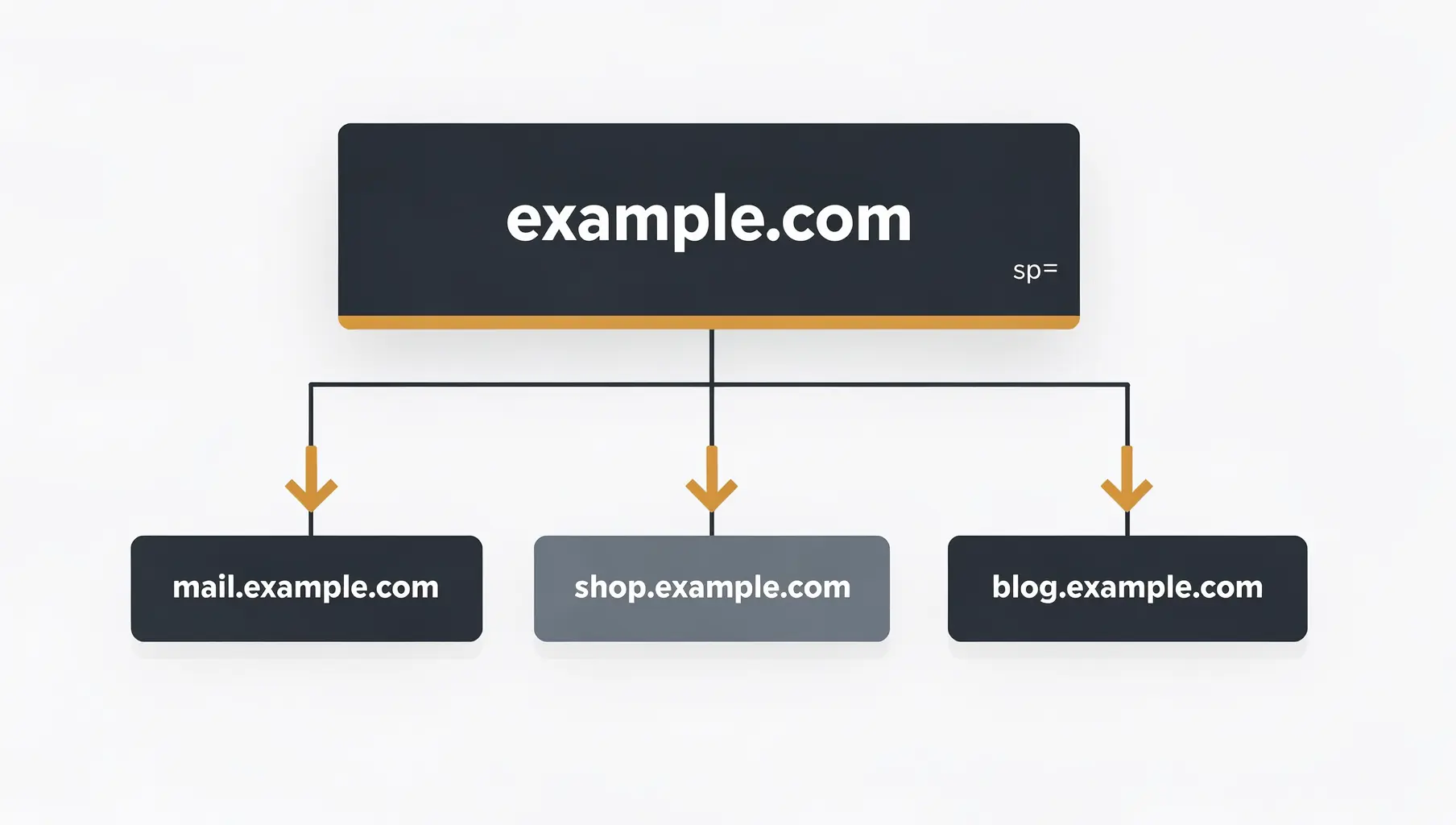
DMARC for Subdomains: Do You Need Separate Records?
Learn how DMARC handles subdomains, when you need separate records, and how to use the sp= tag to control policy.
Ready to implement this?
Verkh helps you monitor DMARC, identify issues, and reach enforcement. Start free.
Start Free