DMARC for Subdomains: Do You Need Separate Records?
Learn how DMARC handles subdomains, when you need separate records, and how to use the sp= tag to control policy.
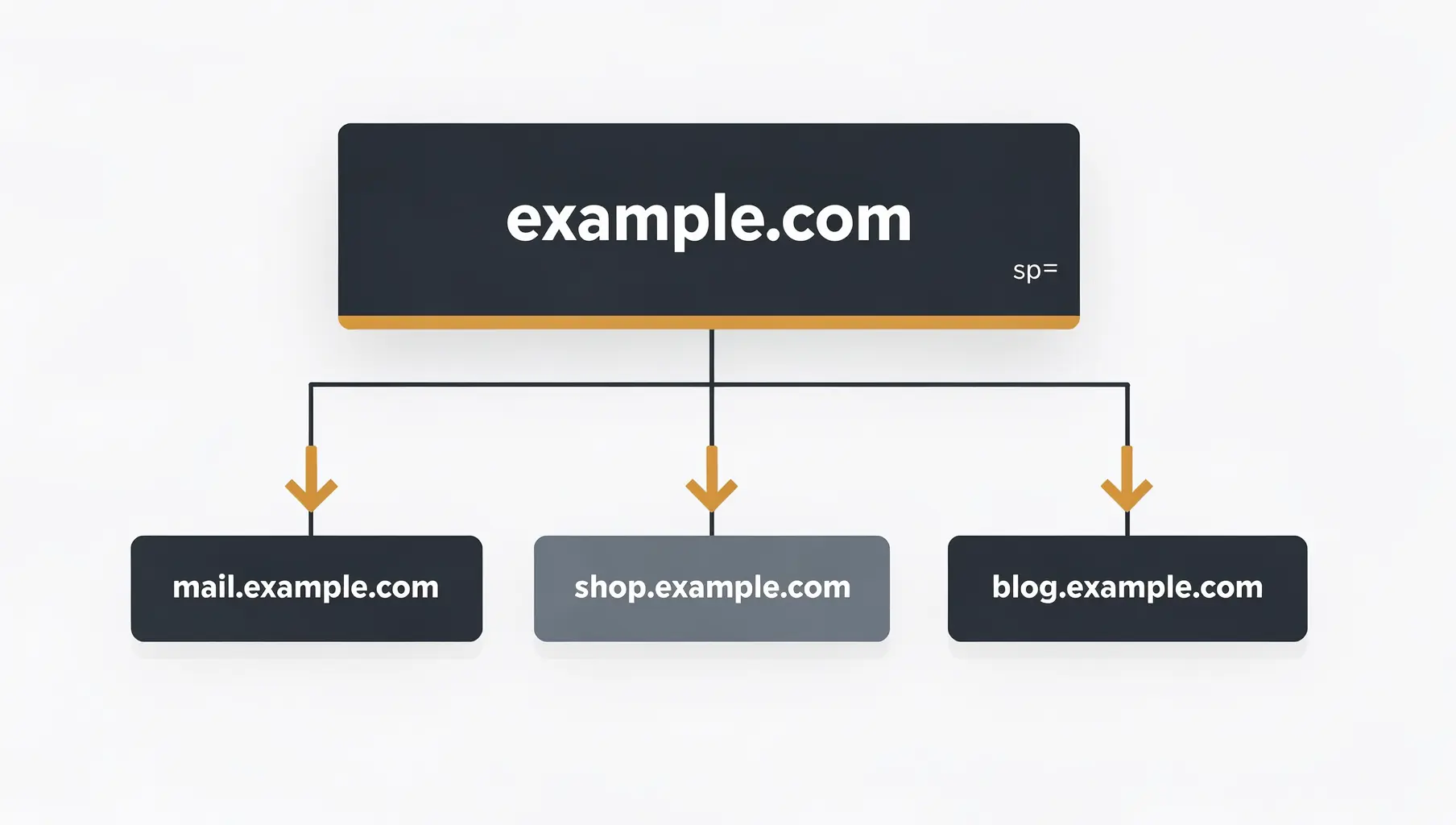
You don’t need a DMARC record on every subdomain. Subdomains without their own record inherit from the organizational domain (your main domain). Use the sp= tag to set a blanket subdomain policy, and only create individual records for subdomains that need different treatment.
This saves you from managing dozens of DMARC records while still protecting your subdomains.
How DMARC Inheritance Works
When a receiver checks DMARC for mail.company.com:
- Look for
_dmarc.mail.company.com— does it exist? - If yes, use that policy
- If no, look for
_dmarc.company.com(the organizational domain) - Use the organizational domain’s policy (specifically the
sp=tag)
Example:
Your main domain has:
_dmarc.company.com TXT "v=DMARC1; p=reject; sp=reject; rua=mailto:[email protected];"Email claiming to be from anything.company.com is subject to sp=reject unless that specific subdomain has its own DMARC record.
The sp= Tag Explained
The sp= tag (subdomain policy) controls what happens to subdomains without their own records.
| Tag | Meaning |
|---|---|
sp=none | Monitor only for subdomains |
sp=quarantine | Quarantine failing subdomain email |
sp=reject | Reject failing subdomain email |
If you omit sp=, subdomains inherit the p= value:
# No sp= specified - subdomains inherit p=reject
v=DMARC1; p=reject; rua=mailto:[email protected];
Explicitly setting sp=:
# Main domain enforces, subdomains monitor
v=DMARC1; p=reject; sp=none; rua=mailto:[email protected];

# Both main domain and subdomains enforce
v=DMARC1; p=reject; sp=reject; rua=mailto:[email protected];
Common Subdomain Scenarios
Scenario 1: Subdomains Used for Email
You send email from marketing.company.com and support.company.com.
Setup:
- Main domain:
p=reject; sp=reject; - Each sending subdomain: own SPF and DKIM records
- No separate DMARC records needed (they inherit)
The subdomains inherit DMARC policy from the parent. Just make sure SPF and DKIM are configured for each.
Scenario 2: Subdomains NOT Used for Email
You have blog.company.com and docs.company.com that are websites only—no email.
Setup:
- Main domain:
p=reject; sp=reject; - No email configuration needed on subdomains
- Any email claiming to be from these subdomains gets rejected
This is actually ideal. Unused subdomains are protected automatically.
Scenario 3: Mix of Sending and Non-Sending Subdomains
Some subdomains send email, others don’t.
Setup:
- Main domain:
p=reject; sp=reject; - Sending subdomains: configure SPF and DKIM
- Non-sending subdomains: no configuration needed (rejection is good)
Scenario 4: Subdomain Needs Different Policy
Your main domain is at p=reject, but you’re testing a new system on beta.company.com and want to monitor first.
Setup:
- Main domain:
p=reject; sp=reject; - Beta subdomain: create
_dmarc.beta.company.comwithp=none
_dmarc.beta.company.com TXT "v=DMARC1; p=none; rua=mailto:[email protected];"The subdomain-specific record overrides inheritance.
What About Reports for Subdomains?
Reports for subdomains go to the RUA address specified in whichever DMARC record applies:
- Subdomain without own record: reports go to organizational domain’s RUA
- Subdomain with own record: reports go to that record’s RUA
If you want subdomain reports sent somewhere different, create a record for that subdomain with a different rua=.
Protecting Unused Subdomains
Attackers love subdomains. If company.com has p=reject but subdomains aren’t protected, they’ll spoof security-alert.company.com or invoice.company.com.
Always set sp=reject on your main domain:
v=DMARC1; p=reject; sp=reject; rua=mailto:[email protected];This protects every subdomain—even ones that don’t exist yet.
SPF and DKIM for Subdomains
DMARC inheritance doesn’t mean SPF and DKIM inherit. Each subdomain needs its own:
SPF: Each subdomain that sends email needs its own SPF record:
marketing.company.com TXT "v=spf1 include:sendgrid.net -all"DKIM: Keys are typically per-domain. Configure DKIM for each sending subdomain with your ESP.
Common mistake: Assuming the main domain’s SPF covers subdomains. It doesn’t. company.com SPF only applies to company.com, not mail.company.com.
When to Create Subdomain DMARC Records
Create a separate DMARC record when:
- Different policy needed: Subdomain needs different enforcement level
- Different reporting: Subdomain reports should go somewhere else
- Different ownership: Subdomain managed by different team
- Isolation: You want subdomain completely independent
Don’t create subdomain records just because:
- It feels more complete (inheritance handles it)
- You want to be thorough (adds maintenance burden)
- You’re not sure (inheritance is the safe default)
Checking Subdomain DMARC Status
To see what policy applies to a subdomain:
# Check for subdomain-specific record
dig txt _dmarc.subdomain.company.com

# If empty, check organizational domain
dig txt _dmarc.company.com
Look at the sp= value (or p= if sp= isn’t specified) to know what policy applies.
Migration Strategy
If you’re implementing DMARC and have many subdomains:
Step 1: Start with monitoring on the main domain
v=DMARC1; p=none; sp=none; rua=mailto:[email protected];Step 2: Identify which subdomains send email from reports
Step 3: Configure SPF and DKIM for sending subdomains
Step 4: Move to enforcement on main domain
v=DMARC1; p=reject; sp=none; rua=mailto:[email protected];Step 5: Once subdomain authentication is solid, enforce subdomains
v=DMARC1; p=reject; sp=reject; rua=mailto:[email protected];This lets you enforce the main domain while still monitoring subdomains, then enforce everything once ready.
Quick Reference
| Situation | Configuration |
|---|---|
| Protect all subdomains automatically | sp=reject on main domain |
| Monitor subdomains while enforcing main | p=reject; sp=none; |
| Different policy for one subdomain | Create record at _dmarc.subdomain.domain.com |
| Subdomain sends email | Add SPF and DKIM for that subdomain |
| Subdomain doesn’t send email | No config needed; sp=reject blocks spoofing |
For more on DMARC policy decisions, see p=none vs p=quarantine vs p=reject.
Verkh monitors authentication for your main domain and all subdomains, showing which need attention. Protect your entire domain at verkh.io.
Related Articles
November 2025
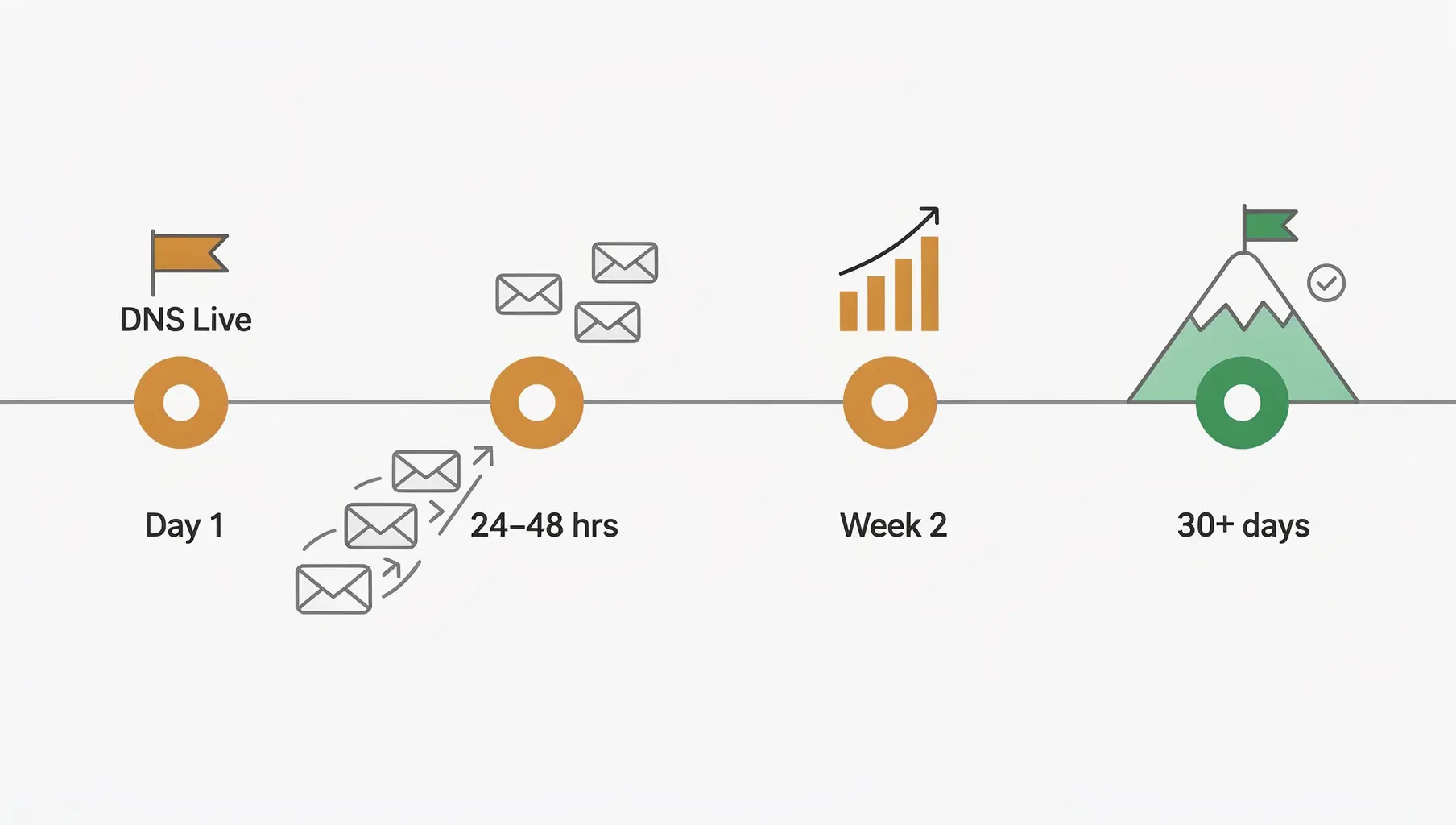
How Long Does DMARC Take to Start Working?
After setting up DMARC, when will you see reports? Learn about DNS propagation, report timing, and realistic expectations.

January 2026
DMARC Record Not Found: Causes and How to Fix It
Fix 'no DMARC record found' errors. Covers DNS issues, syntax errors, propagation delays, and external domain permissions.
December 2025
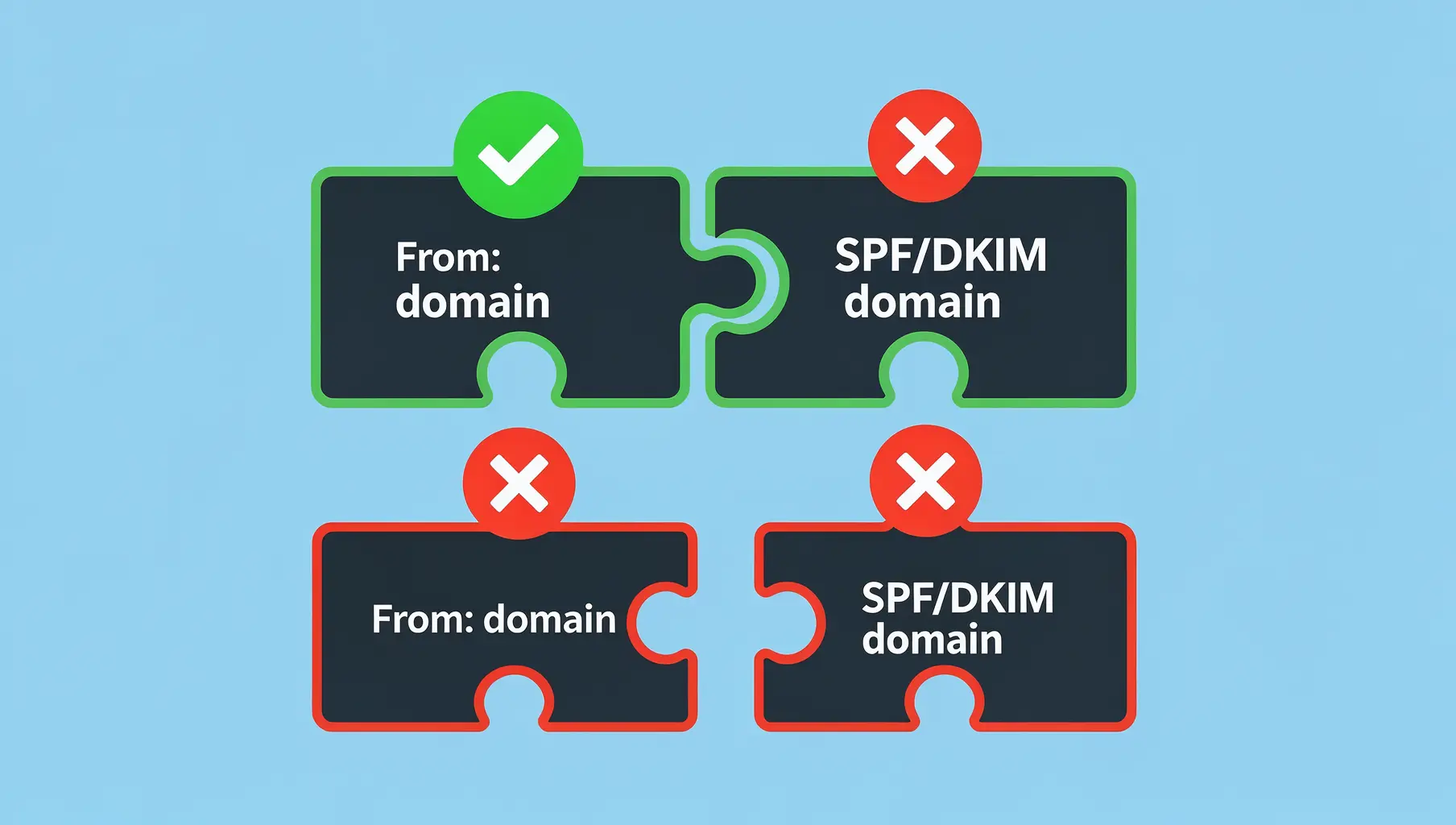
DMARC Alignment Explained Simply
DMARC alignment determines whether SPF and DKIM results count. Learn relaxed vs strict alignment and when each matters.
Ready to implement this?
Verkh helps you monitor DMARC, identify issues, and reach enforcement. Start free.
Start Free