Do I Need DMARC If I Don't Send Bulk Email?
Google and Yahoo require DMARC for bulk senders. Learn why DMARC still matters for small senders and non-sending domains.
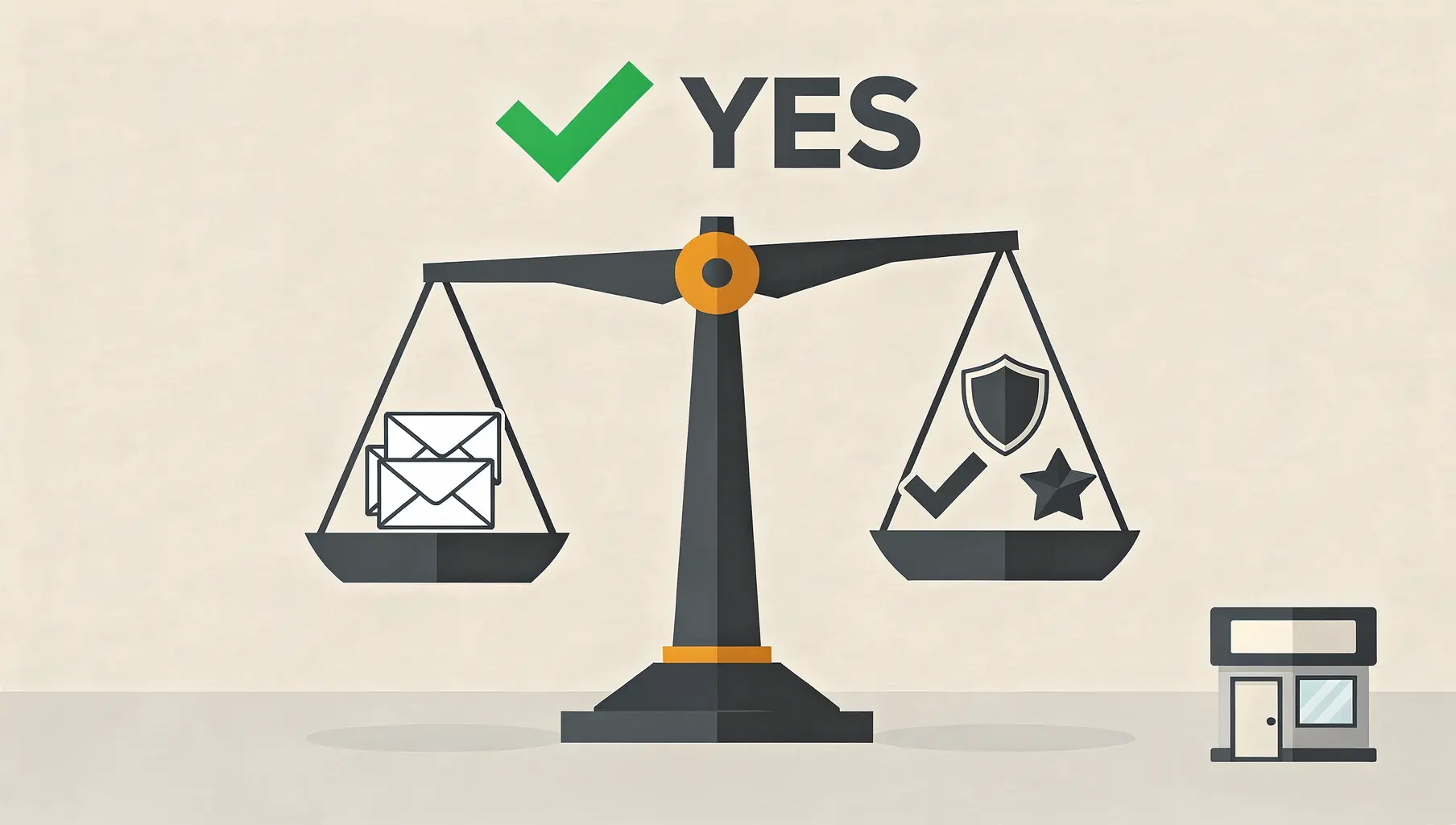
Yes, you should have DMARC even if you’re not a bulk sender. DMARC isn’t just about meeting Google’s requirements—it protects your domain from being spoofed in phishing attacks. Whether you send 50 emails a day or zero, someone can pretend to send as your domain without it.
Let’s break down why DMARC matters for everyone, not just high-volume senders.
The Bulk Sender Requirement
Google and Yahoo require DMARC for bulk senders (5,000+ emails per day to their users). If you’re under that threshold, you’re not legally required to have DMARC.
But “not required” isn’t the same as “not needed.”
Why Small Senders Still Need DMARC
Reason 1: Domain Spoofing Protection
Without DMARC, anyone can send email that appears to be from your domain. Attackers do this to:
- Send phishing emails to your customers or partners
- Impersonate your CEO for business email compromise (BEC)
- Damage your brand reputation
- Spread malware using your trusted name
Small businesses are often easier targets because attackers assume you won’t have sophisticated email security.
Reason 2: Deliverability Benefits
Even at low volumes, authenticated email is treated better:
- Less likely to land in spam
- Better sender reputation with receiving servers
- Improved trust signals for recipients
Email providers are increasingly suspicious of unauthenticated email. DMARC is becoming table stakes, not a bonus.
Reason 3: Future-Proofing
Your email volume might grow. You might:
- Launch a newsletter
- Start marketing campaigns
- Add automated notifications
- Cross the bulk sender threshold during a promotion
Setting up DMARC now means you’re ready when volume increases.
Reason 4: Requirements Are Expanding
Today it’s Google and Yahoo requiring DMARC for bulk senders. Tomorrow it might be:
- Lower thresholds
- More providers with requirements
- B2B partners requiring authentication
- Industry compliance standards
Get ahead of mandates rather than scrambling to comply.
What If My Domain Doesn’t Send Email?
Domains that don’t send email need DMARC even more.
Why? Because there’s nothing for receivers to compare against. If your domain never sends legitimate email, attackers can spoof it freely—there’s no “normal” sending pattern to detect anomalies.
The fix: Set up DMARC with p=reject immediately:
v=DMARC1; p=reject; sp=reject; rua=mailto:[email protected];Also add a null SPF record:
v=spf1 -allThis tells receivers: “No one is authorized to send email from this domain. Reject anything claiming to be from us.”
Parked domains, holding company domains, defensive registrations—all should have reject policies from day one.
The Cost of Not Having DMARC
Scenario: You’re a Small Consulting Firm
You send maybe 100 emails a day. You figure DMARC isn’t worth the setup time.
An attacker spoofs your domain and sends invoices to your clients, asking for payment to a fraudulent account. The email looks legitimate—it says it’s from your domain.
Consequences:
- Clients lose money
- Your reputation is damaged
- You spend time explaining you didn’t send those emails
- Trust is broken
- Some clients leave
All preventable with a DMARC record that takes 15 minutes to set up.
Scenario: Parked Domain
You registered yourname.com but don’t use it for email. Without DMARC, attackers send phishing emails as yourname.com to random targets.
You find out when you’re added to email blacklists or someone contacts you about spam “from” your domain.
Setting Up DMARC for Small Senders
The process is the same regardless of volume:
Step 1: Add Basic DMARC Record
_dmarc.yourdomain.com TXT "v=DMARC1; p=none; rua=mailto:[email protected];"Step 2: Make Sure SPF and DKIM Work
For your email provider (Google Workspace, Microsoft 365, etc.), verify:
- SPF record includes your provider
- DKIM is enabled and configured
Step 3: Monitor Reports
Even low volumes generate useful data. See who’s sending as your domain.
Step 4: Move to Enforcement
Once you’ve confirmed legitimate email passes:
v=DMARC1; p=reject; sp=reject; rua=mailto:[email protected];For small senders with simple email setups, this can happen within a few weeks.
But Will Anyone Notice?
“I only send to people I know. Will they even check DMARC?”
Yes. Gmail, Outlook, Yahoo, and others check DMARC automatically. Your recipients don’t manually verify authentication—their email providers do it for them.
When your email has proper authentication:
- It’s more likely to reach the inbox
- It displays correctly (no warnings)
- It builds your sender reputation
When it doesn’t:
- Spam folder risk increases
- Security warnings may appear
- Your reputation suffers
Minimum Viable DMARC
If you’re resource-constrained, here’s the minimum:
For domains that send email:
v=spf1 include:your-provider -all
v=DMARC1; p=none; rua=mailto:[email protected];
Monitor for a few weeks, then add p=reject.
For domains that don’t send email:
v=spf1 -all
v=DMARC1; p=reject; sp=reject;
No monitoring needed—just block everything.
The Real Question
The question isn’t “do I need DMARC as a small sender?”
The question is: “Do I want to protect my domain from being used in phishing attacks?”
If yes, set up DMARC. The Google/Yahoo requirements are one reason. Protecting your brand and customers is a better one.
Common Objections
”It’s too complicated”
Basic DMARC is one DNS record. If you can add a TXT record, you can add DMARC.
”I don’t have time”
15-30 minutes for basic setup. Less time than you’ll spend dealing with a spoofing incident.
”My email works fine without it”
For now. Deliverability trends favor authentication. What works today might not work next year.
”I’m too small to be a target”
Small businesses are frequently targeted precisely because they’re less protected. Attackers look for easy wins.
Next Steps
- Check if you have DMARC using our DMARC Checker
- If not, add a basic record today
- Verify your SPF and DKIM are working
- Monitor for 2-4 weeks
- Move to enforcement
For complete setup guidance, see our Bulk Sender Requirements Guide.
Verkh makes DMARC monitoring simple, even for small senders. See your authentication status free at verkh.io.
Related Articles
December 2025
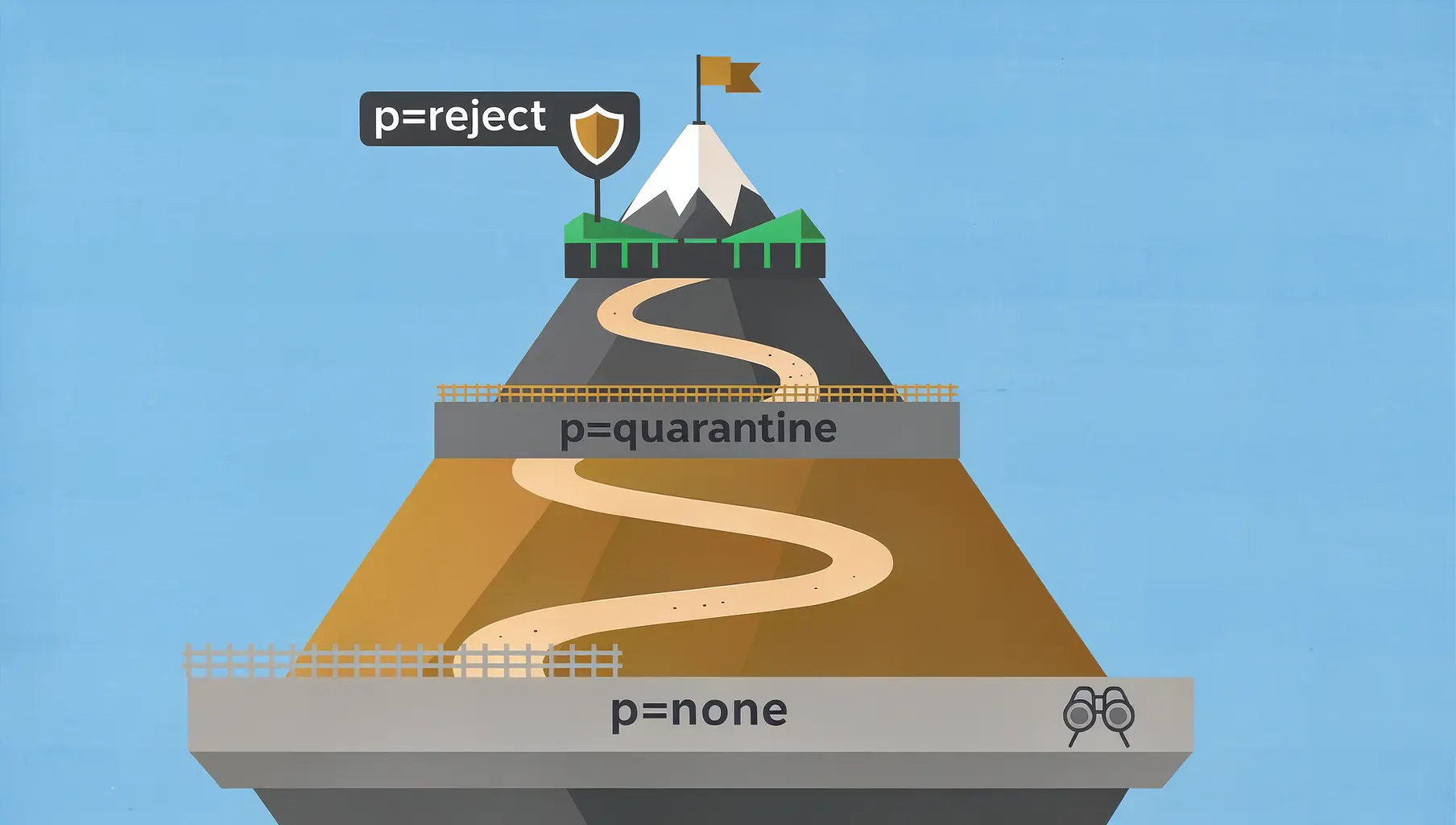
p=none vs p=quarantine vs p=reject: Which DMARC Policy to Use
The three DMARC policies control what happens to failing email. Learn when to use each and how to safely progress to enforcement.
February 2026
DMARC for Financial Services: Meeting Regulatory Requirements
Email authentication requirements for banks, credit unions, and fintech. How DMARC enforcement meets FFIEC, PCI DSS 4.0, and OCC expectations.
February 2026
DMARC for Healthcare: HIPAA Compliance and Email Security
How healthcare organizations can implement DMARC while meeting HIPAA requirements. Covers the Security Rule, vendor coordination, and the path to enforcement.
Ready to implement this?
Verkh helps you monitor DMARC, identify issues, and reach enforcement. Start free.
Start Free