What Counts as a Bulk Sender? The 5,000 Email Rule
Google and Yahoo require DMARC for bulk senders. Learn what counts toward the 5,000 threshold and what happens if you exceed it.
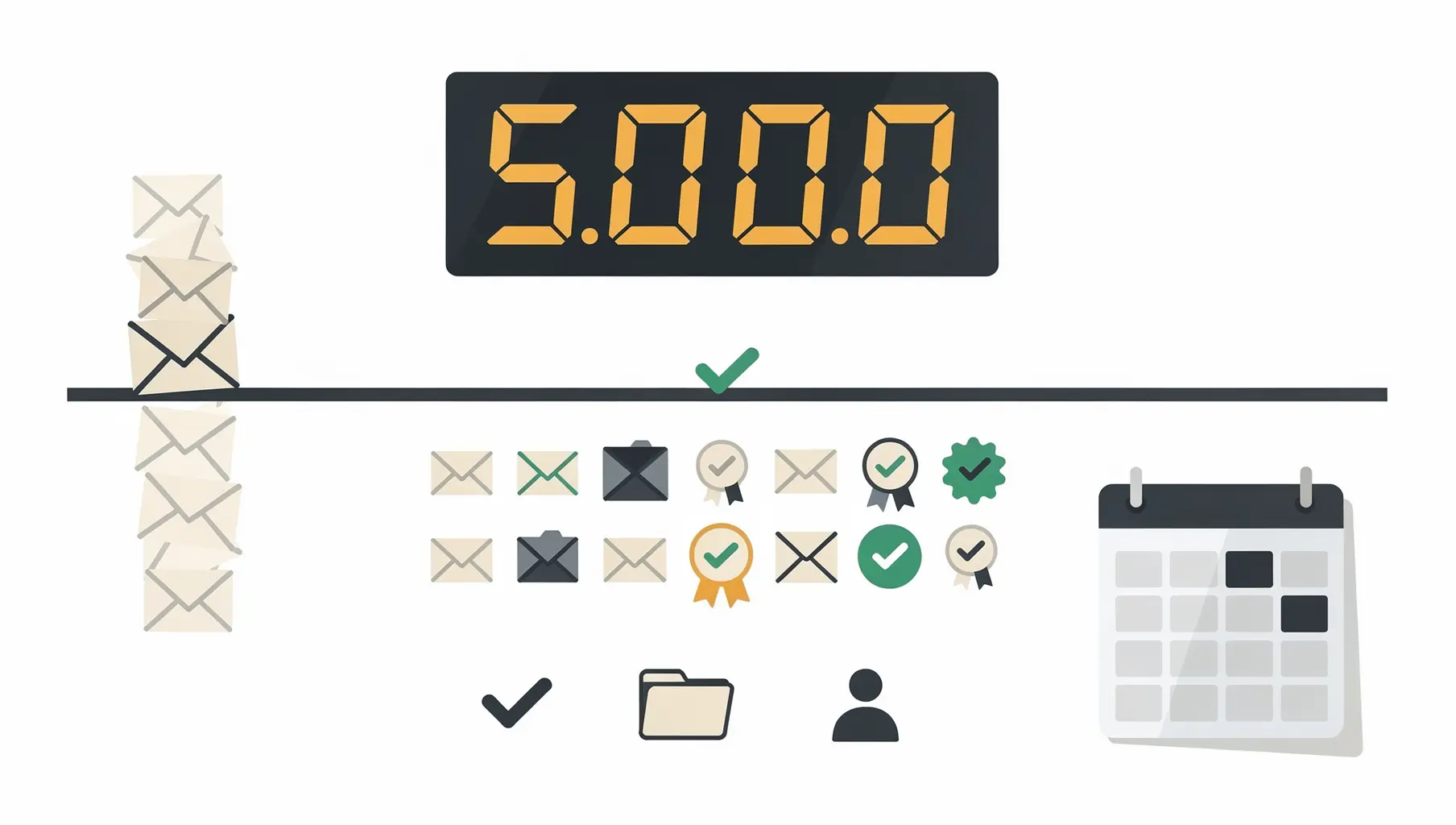
Google considers you a bulk sender if you send 5,000 or more emails to Gmail addresses in a single day. Once you cross this threshold, you must have SPF, DKIM, and DMARC properly configured, or your email delivery will suffer.
This rule went into effect in February 2024, and Yahoo implemented similar requirements. If you send any volume of email, here’s what you need to know.
The 5,000 Email Threshold
Google’s definition is specific:
- 5,000 or more emails to Gmail addresses
- In a single 24-hour period
- From your sending domain (the domain in your From address)
Once you’ve ever crossed this threshold, Google considers you a bulk sender going forward. It’s not a daily recalculation—it’s a classification that sticks.
What Counts Toward the Limit
Everything from your domain adds up:
- Marketing campaigns
- Transactional emails (receipts, confirmations, shipping notifications)
- Automated alerts and notifications
- Sales outreach
- Support responses
- Internal email (if sent to Gmail-hosted addresses)
All subdomains count:
If you send from marketing.company.com, notifications.company.com, and company.com, they all count toward the same 5,000 limit for the parent domain company.com.
All sending sources count:
Email from your own servers plus email from:
- Marketing platforms (Mailchimp, Klaviyo)
- Transactional services (SendGrid, Postmark)
- CRM systems (Salesforce, HubSpot)
- Support platforms (Zendesk, Intercom)
If it has your domain in the From address and goes to Gmail, it counts.
What Doesn’t Count
- Emails to non-Gmail addresses (Outlook, Yahoo, corporate domains)
- Emails where your domain isn’t in the From address
- Emails that are rejected before delivery (they never “count”)
However, Yahoo has nearly identical requirements, so optimizing only for Gmail doesn’t help much.
How to Check If You’re a Bulk Sender
Option 1: Check Google Postmaster Tools
Google Postmaster Tools shows your sending volume to Gmail. If you’ve registered your domain:
- Log into postmaster.google.com
- Look at “Email Sent” metrics
- Check if any day exceeds 5,000
Option 2: Estimate from your sending platforms
Add up daily sends across all your email services:
| Source | Daily Gmail Estimate |
|---|---|
| Marketing platform | 2,000 |
| Transactional emails | 1,500 |
| Sales outreach | 500 |
| Support replies | 300 |
| Total | 4,300 |
If you’re near 5,000, assume you’ll cross it during peak periods (sales, launches, announcements).
Option 3: Check your DMARC reports
DMARC reports show how many emails Google received from your domain. If Google’s report shows thousands of messages, you’re likely a bulk sender.
What Bulk Senders Must Do
Once classified as a bulk sender, you must meet these requirements:
1. SPF and DKIM Authentication
Your domain must pass SPF or DKIM authentication. Ideally both.
# SPF record example
v=spf1 include:_spf.google.com include:sendgrid.net -all

# DKIM is configured per sending service
2. DMARC Record
You must have a DMARC record published. At minimum:
v=DMARC1; p=none; rua=mailto:[email protected];Yes, p=none satisfies the requirement. Google requires DMARC to exist, not necessarily to be at enforcement. But p=none provides no protection—it’s the starting point, not the goal.
3. Alignment
SPF or DKIM must align with your From domain. This means the authenticated domain matches (or is a subdomain of) what recipients see in the From field.
4. One-Click Unsubscribe
Marketing and promotional emails must include:
- A working List-Unsubscribe header
- One-click unsubscribe functionality (no confirmation pages)
- Unsubscribes honored within 2 days
5. Low Spam Complaint Rate
Keep spam complaints below 0.3%. Ideally below 0.1%.
What Happens If You Don’t Comply
Google’s enforcement is gradual but real:
Stage 1: Temporary failures
- Some emails get temporarily rejected (4xx errors)
- Your sending service shows delivery delays
- Messages eventually deliver after retries
Stage 2: Increased spam placement
- More email lands in spam folder
- Open rates drop
- Recipients don’t see your messages
Stage 3: Rejections
- Emails rejected outright (5xx errors)
- Permanent delivery failures
- Bounce rates spike
Stage 4: Domain reputation damage
- Google’s systems learn your domain is problematic
- Even compliant email faces scrutiny
- Recovery takes weeks or months
The Gray Area: Below 5,000
If you’re under 5,000 daily emails to Gmail:
You’re still better off complying. The requirements are best practices regardless of volume. SPF, DKIM, and DMARC protect your domain from spoofing whether you’re sending 500 or 500,000 emails. See our 5 key benefits of email authentication for why.
Also consider:
- Your volume might grow
- Peak days might exceed the threshold
- Yahoo’s requirements are similar
- Other providers are following suit
Set up authentication now, before you need it urgently.
Yahoo’s Similar Requirements
Yahoo implemented nearly identical requirements:
- SPF and DKIM required
- DMARC required for bulk senders
- One-click unsubscribe for marketing email
- Low complaint rates
The threshold isn’t as explicitly documented as Google’s 5,000, but assume similar scale.
Common Questions
Does Gmail count as 1 email or 1 recipient?
One email to one Gmail address = 1 toward the count. An email to 10 Gmail addresses = 10 toward the count.
What if I only send to business Gmail (Google Workspace)?
Google Workspace domains (yourcompany.com hosted on Google) are treated the same as consumer Gmail for authentication requirements. The 5,000 threshold applies.
If I’m under 5,000 today but over yesterday, am I still a bulk sender?
Once you’ve crossed the threshold, Google considers you a bulk sender going forward. There’s no public “cool-down” period that removes the classification.
Do bounced emails count?
Emails that hard bounce (invalid address) likely don’t count toward delivered volume, but soft bounces and deferred messages might. The safest assumption: sent emails count.
Action Steps
- Check your volume — Are you sending 5,000+ daily to Gmail?
- Audit your authentication — SPF, DKIM, DMARC all configured?
- Verify alignment — Are authenticated domains matching your From address?
- Monitor compliance — Use Postmaster Tools and DMARC reports
For complete guidance on meeting Google and Yahoo’s requirements, see our Google & Yahoo Sender Requirements Guide.
Verkh monitors your authentication status across all sending sources and alerts you to compliance gaps before they affect delivery. Check your status at verkh.io.
Related Articles
February 2026
DMARC for Financial Services: Meeting Regulatory Requirements
Email authentication requirements for banks, credit unions, and fintech. How DMARC enforcement meets FFIEC, PCI DSS 4.0, and OCC expectations.
February 2026
DMARC for Healthcare: HIPAA Compliance and Email Security
How healthcare organizations can implement DMARC while meeting HIPAA requirements. Covers the Security Rule, vendor coordination, and the path to enforcement.
December 2025
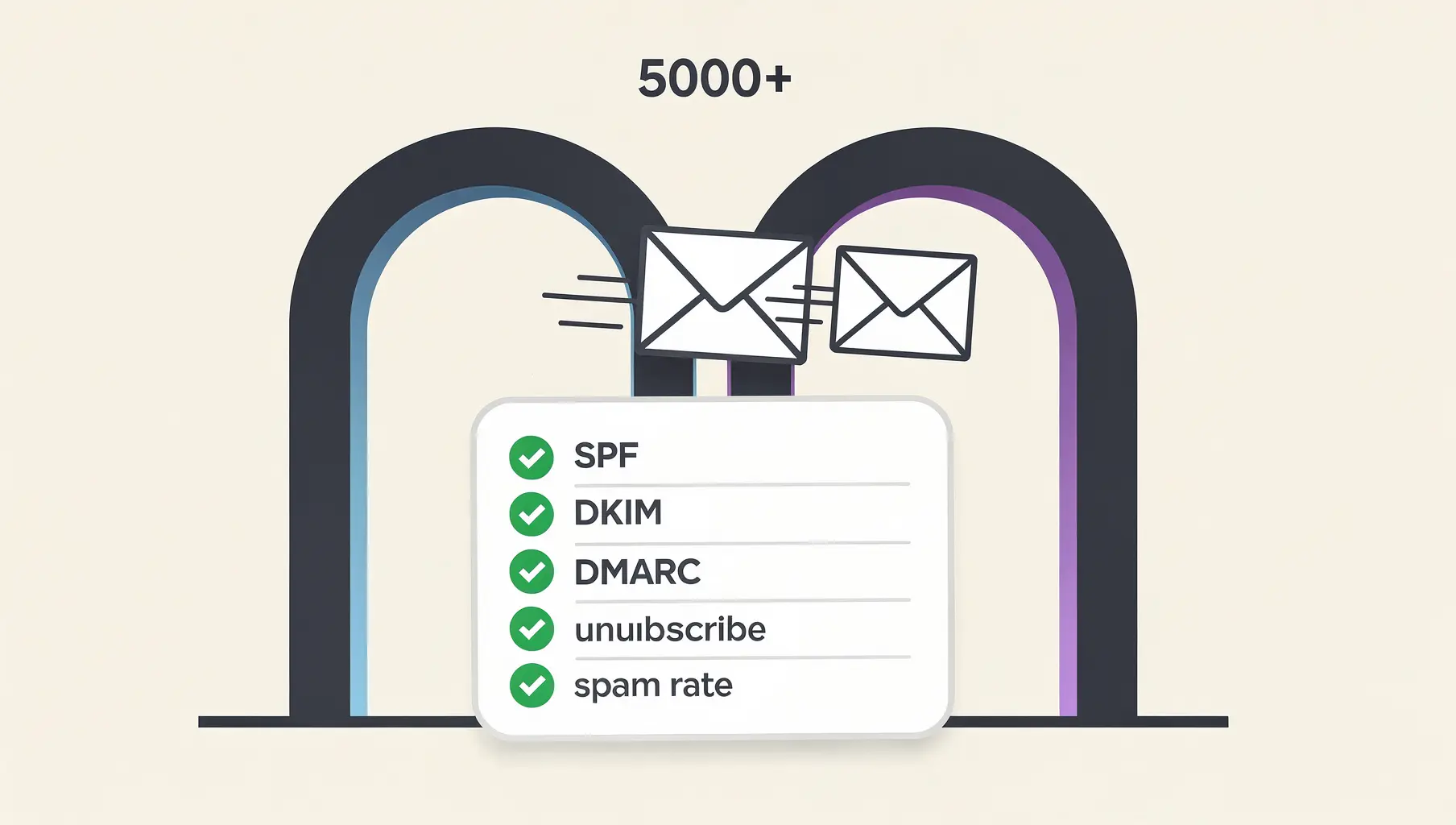
Google and Yahoo Sender Requirements 2026: What You Actually Need
Google and Yahoo now require SPF, DKIM, and DMARC for bulk senders. Here's what the requirements actually mean, how enforcement works, and what to do about it.
Ready to implement this?
Verkh helps you monitor DMARC, identify issues, and reach enforcement. Start free.
Start Free