Email Authentication for Marketing Teams: What You Need to Know
Marketing teams send the most email but don't control authentication. Learn how DMARC affects campaigns and how to work with IT.
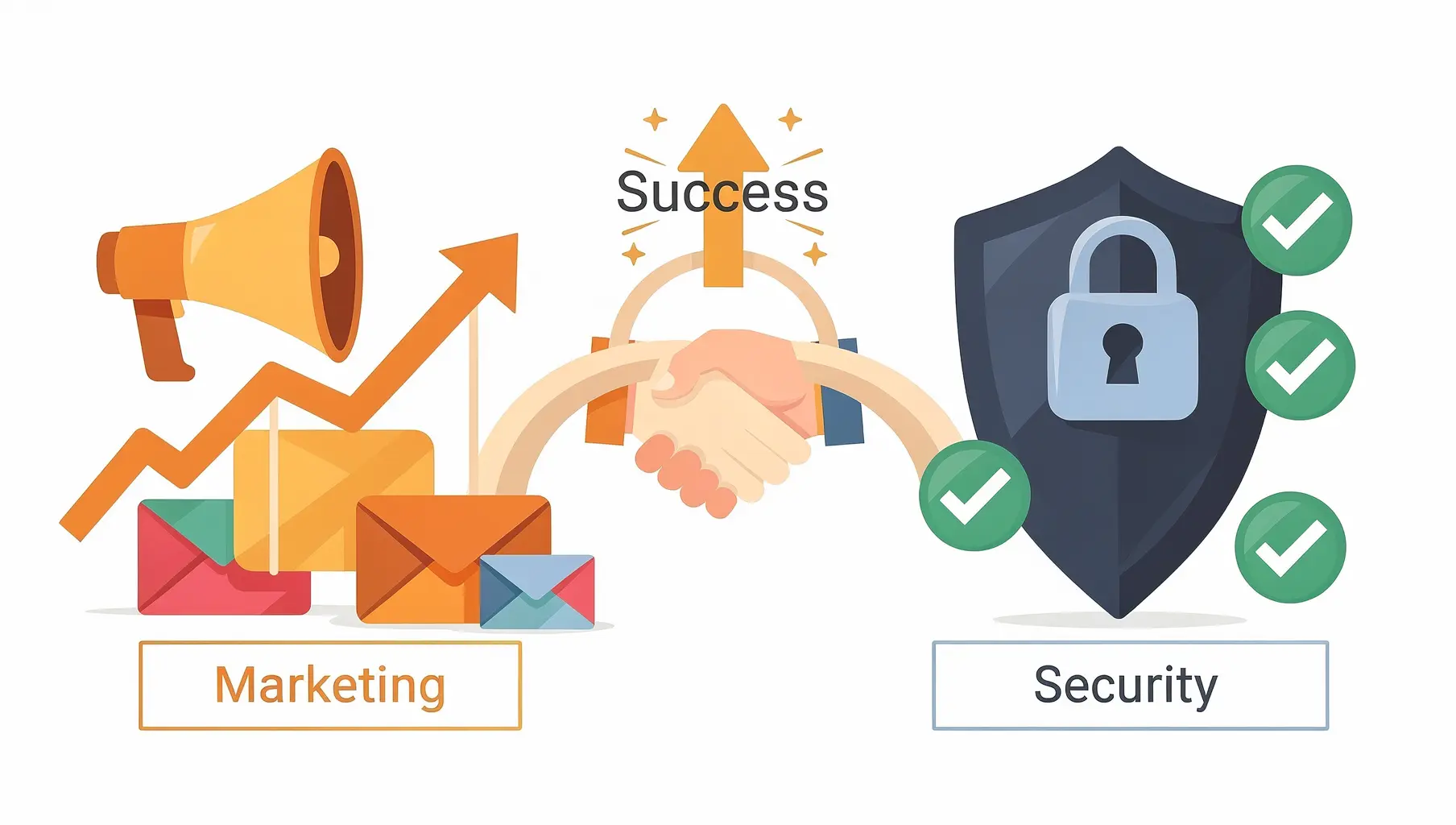
Your marketing emails can fail authentication even when everything looks right on your end. SPF, DKIM, and DMARC are typically managed by IT, but they directly affect whether your campaigns reach inboxes. Understanding the basics helps you diagnose problems, ask the right questions, and avoid deliverability surprises.
This isn’t a deep technical dive—it’s what marketing professionals need to know to work effectively with IT on email authentication.
Why Marketing Emails Get Blocked
When you send through Mailchimp, HubSpot, or any email platform, those emails claim to be “from” your domain but come from the platform’s servers.
Without proper configuration:
- Receiving servers see: “This claims to be from acme.com”
- They check: “Is this server authorized to send for acme.com?”
- They find: No authorization
- Result: Email goes to spam or gets rejected
The fix: Configure your DNS to authorize your marketing platforms. This requires IT’s help.
The Three Authentication Technologies
SPF: Who’s Allowed to Send
SPF lists which servers can send email for your domain. Marketing platforms need to be in this list.
What you need to know:
- Each sending platform needs an SPF “include”
- There’s a limit of 10 DNS lookups (IT constraint, not yours)
- If you add a new platform, IT needs to update SPF
Ask IT: “Is [platform name] included in our SPF record?”
DKIM: Is This Really From Us?
DKIM adds a cryptographic signature to emails. It proves the email wasn’t modified and comes from an authorized source.
What you need to know:
- Each platform needs its own DKIM setup
- This usually involves adding DNS records specific to the platform
- DKIM setup is per-platform, not one-and-done
Ask IT: “Is DKIM enabled for [platform name]?”
DMARC: What to Do with Failures
DMARC tells receiving servers what to do when SPF and DKIM fail.
p=none: Monitor only (no impact on delivery)p=quarantine: Send failures to spamp=reject: Block failures entirely
What you need to know:
- Moving from
nonetoquarantineorrejectcan affect your campaigns - IT should warn you before changing DMARC policy
- If you’re launching a new platform during enforcement, coordinate timing
Ask IT: “What’s our DMARC policy, and are there plans to change it?”
Red Flags That Indicate Authentication Problems
Your deliverability dropped suddenly
If open rates plummet or bounce rates spike without explanation:
- Ask IT if DMARC policy changed recently
- Check if the platform was removed from SPF
- Verify DKIM is still configured
Gmail shows warnings on your emails
If recipients report security warnings or “this message may be suspicious” banners, authentication is likely failing.
Campaigns land in spam consistently
Spam placement isn’t always authentication, but it’s a common cause. Ask IT to check DMARC reports for your platform’s failures.
New platform emails aren’t delivering
Launching a new tool? If IT didn’t update SPF/DKIM, those emails will fail authentication from day one.
Working with IT: A Checklist
When setting up a new marketing platform:
- Tell IT before you launch — Don’t surprise them with a new sender
- Get the platform’s SPF include — Usually in their setup documentation
- Get DKIM DNS records — Platform provides these during setup
- Verify after configuration — Send test emails, confirm authentication passes
- Keep IT informed — Let them know about major campaigns or platform changes
What to Send IT
Make their life easier with a complete request:
Subject: New Email Platform Authentication Request

Hi,

We're setting up [Platform Name] for [purpose]. Please add the following:

SPF: include:[platform-spf].com
DKIM: [Platform provides DNS records, link to their setup guide]

We plan to go live on [date]. Can you confirm once this is configured?

Thanks!
Platform-Specific Tips
Mailchimp
- SPF:
include:servers.mcsv.net - DKIM: Configure through Mailchimp dashboard → authenticated domains
- See our Mailchimp DMARC guide for detailed setup
HubSpot
- SPF: Typically uses shared IPs (less SPF work)
- DKIM: Configure through HubSpot settings
- See our HubSpot DMARC guide for detailed setup
Salesforce Marketing Cloud
- SPF:
include:mcsv.net(varies by instance) - DKIM: SAP (Sender Authentication Package)
- More complex—usually requires IT involvement
SendGrid
- SPF:
include:sendgrid.net - DKIM: Configure through sender authentication
- See our SendGrid DMARC guide for detailed setup
Note: These can change. Always check the platform’s current documentation.
What You Can Check Yourself
Test email headers
- Send a test email to your personal Gmail
- Open the email in Gmail
- Click the three dots → “Show original”
- Look for:
SPF: PASSorSPF: FAILDKIM: PASSorDKIM: FAILDMARC: PASSorDMARC: FAIL
If you see failures, share this with IT.
Platform dashboards
Most platforms show authentication status in their settings. Look for:
- “Domain authentication” or “Sender authentication”
- Green checkmarks vs warnings
- Setup completion status
Deliverability reports
Many platforms report authentication pass rates. If you see authentication failures, escalate to IT.
Timing Matters
Before launching a new platform
- Get SPF/DKIM configured (allow 1-2 weeks for IT)
- Verify with test sends
- Start sending live campaigns
Before IT moves to DMARC enforcement
- Audit all your marketing platforms
- Ensure each one is properly configured
- Test all platforms with enforcement
- Give marketing sign-off before policy change
During high-stakes campaigns
Don’t let IT change DMARC policy the week of your biggest campaign. Coordinate timing.
When Deliverability Issues Aren’t Authentication
Authentication isn’t the only factor. Also consider:
- Content: Spam trigger words, excessive links, poor formatting
- Reputation: High complaint rates, low engagement
- List quality: Old addresses, purchased lists
- Infrastructure: Sending too fast, IP reputation
If authentication passes but you still have problems, look at these factors.
Key Takeaways for Marketing
- Every platform needs authentication — SPF and DKIM for each tool
- Tell IT before launching new tools — Configuration takes time
- Policy changes affect you — Ask to be informed before DMARC changes
- Check headers when debugging — You can verify pass/fail yourself
- Coordinate with IT — Authentication is shared responsibility
Email authentication isn’t just an IT concern—it directly affects whether your campaigns work. Building a good relationship with IT around email configuration saves everyone headaches.
For more on how authentication works, see our Google/Yahoo Requirements Guide.
Verkh shows which of your sending sources are properly authenticated—useful for coordinating between marketing and IT. Check your senders at verkh.io.
Related Articles
January 2026
How to Ensure Your Emails Are Authenticated and Reach the Inbox
A practical guide to setting up SPF, DKIM, and DMARC so your emails actually get delivered. No fluff, just the steps that matter.
January 2026
5 Key Benefits of Adopting an Email Authentication Platform Today
Why SPF, DKIM, and DMARC matter for security, deliverability, and brand protection. A practical guide for businesses of all sizes.
December 2025
DMARC Alignment Explained Simply
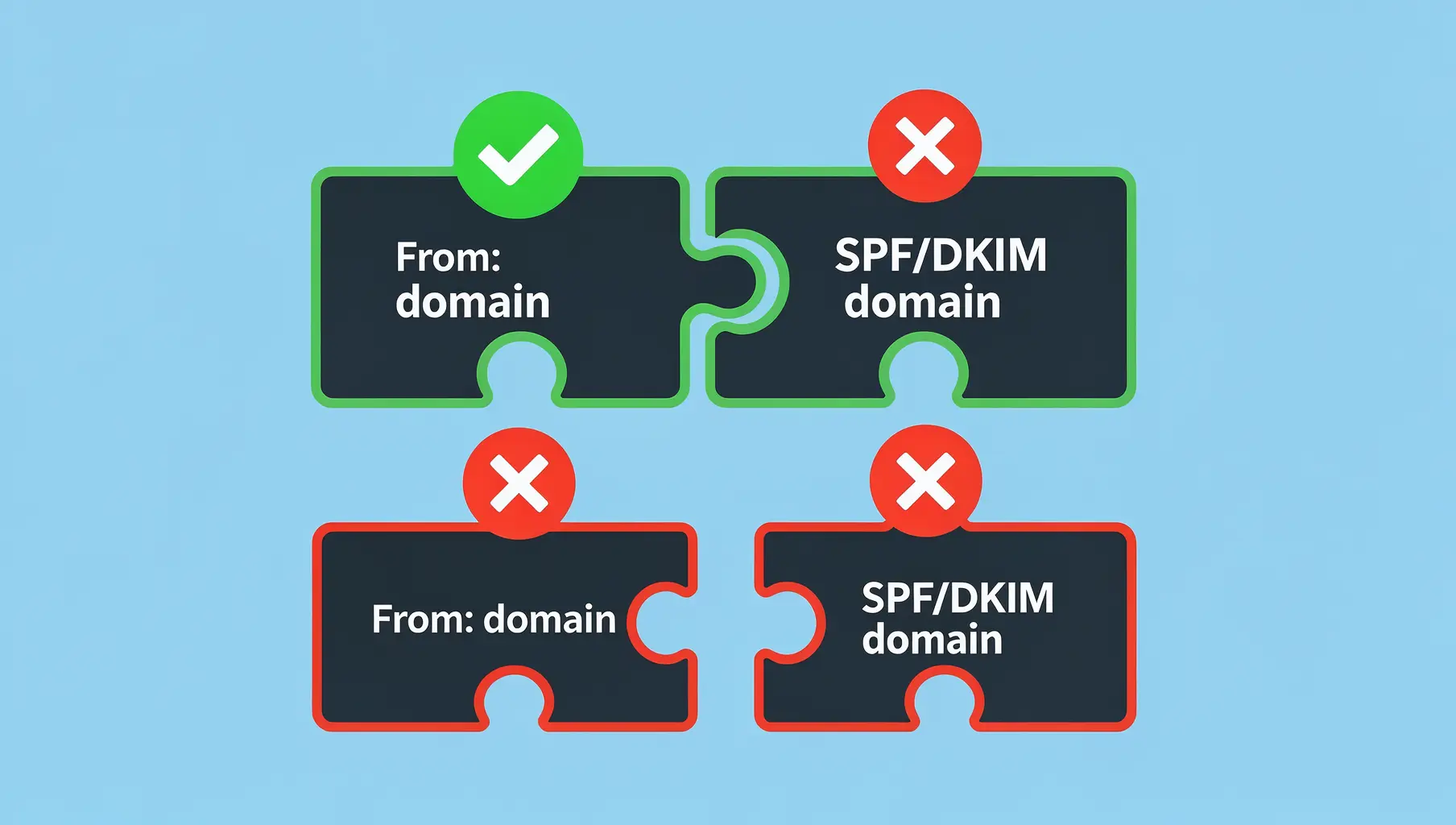
DMARC alignment determines whether SPF and DKIM results count. Learn relaxed vs strict alignment and when each matters.
Ready to implement this?
Verkh helps you monitor DMARC, identify issues, and reach enforcement. Start free.
Start Free